5.0 New Features
Jan 11, 2026
Feature updates to carry the next two years
Hello. I am Blackcats4567, the planner and developer of SheetQuiz.
As announced at the bottom of the main screen, I will temporarily stop feature development to fulfill my military service duties.
Therefore! I have prepared all the updates that were planned to be released in several stages all at once.
1. Added Animations
Screen transition animations have been introduced to SheetQuiz! You can now enjoy a more fluid experience.
2. AI Feature Improvements
The process of creating a quiz using AI was quite complicated.
So, I have improved the AI agent to simplify the process so that you can get the desired results immediately.
Also, it has been improved so that you only need to upload the generated sqp file when registering the created quiz to SheetQuiz!
3. Grading System Reorganization
The phenomenon where the "Relax subjective grading" feature was too lenient has been improved.
Previously, when this setting was applied excessively, wrong answers were occasionally treated as correct, or questions were marked correct even if no answer was selected.
Also, it has been modified so that different answers can be separated by semicolons in addition to commas. (However, separating multiple correct answers with semicolons is not recommended.)
4. Help Center Open
Official help for SheetQuiz is now available. It is organized like a blog, making it easy to understand.
5. Animations Based on Grading Results
Congratulatory animations have been added for when the correct answer rate is 80% or higher, or when all answers are correct.
6. Editor Update
The initial screen of the SheetQuiz Editor (EDIT AREA) has been redesigned, moving away from the popup window format! Please try the more intuitive editor.
Loading screens have been added for loading, saving, and invoking AI features.
7. Bug Fixes
Bugs that frequently occurred on iOS, such as the top menu disappearing too quickly when scrolling and the issue of zooming when clicking buttons consecutively (already resolved), have been fixed.
8. Security Patches
SheetQuiz is undergoing patches while performing continuous security monitoring. Although Blackcats4567 will not participate in development for a while, deputies will perform security updates in the event of a security issue. Please report security issues to the official inquiry email.
9. Added Mobile 'More' Button
When opening a quiz on mobile, users had to scroll extensively due to the Quiz Description, leading to a waste of screen space. Now, you can view it only when necessary using the 'More' button.
10. Markdown Support Added
In the Quiz Description, Markdown syntax such as **, __, ~~, ##, ###, `, ``` is now supported.
4.9 New Features
Dec 7, 2025
1. View 'Unknown' Questions Separately
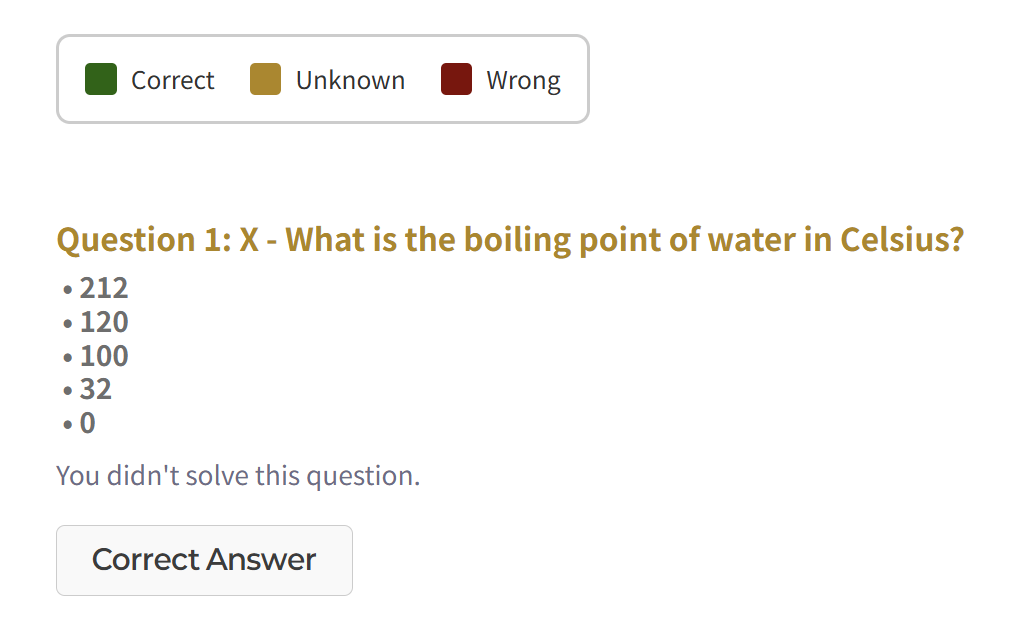
Unknown questions are now highlighted in yellow on the results screen. If you encounter a question you don't know, simply deselect your answer. Unanswered questions will be marked as 'Unknown'.
To deselect an answer in multiple-choice questions, select the same answer again. This will cancel the selection.
+ Minor change: The question colors on the results screen have been changed to darker shades to be easier on the eyes.
2. Add Questions to Review Quiz
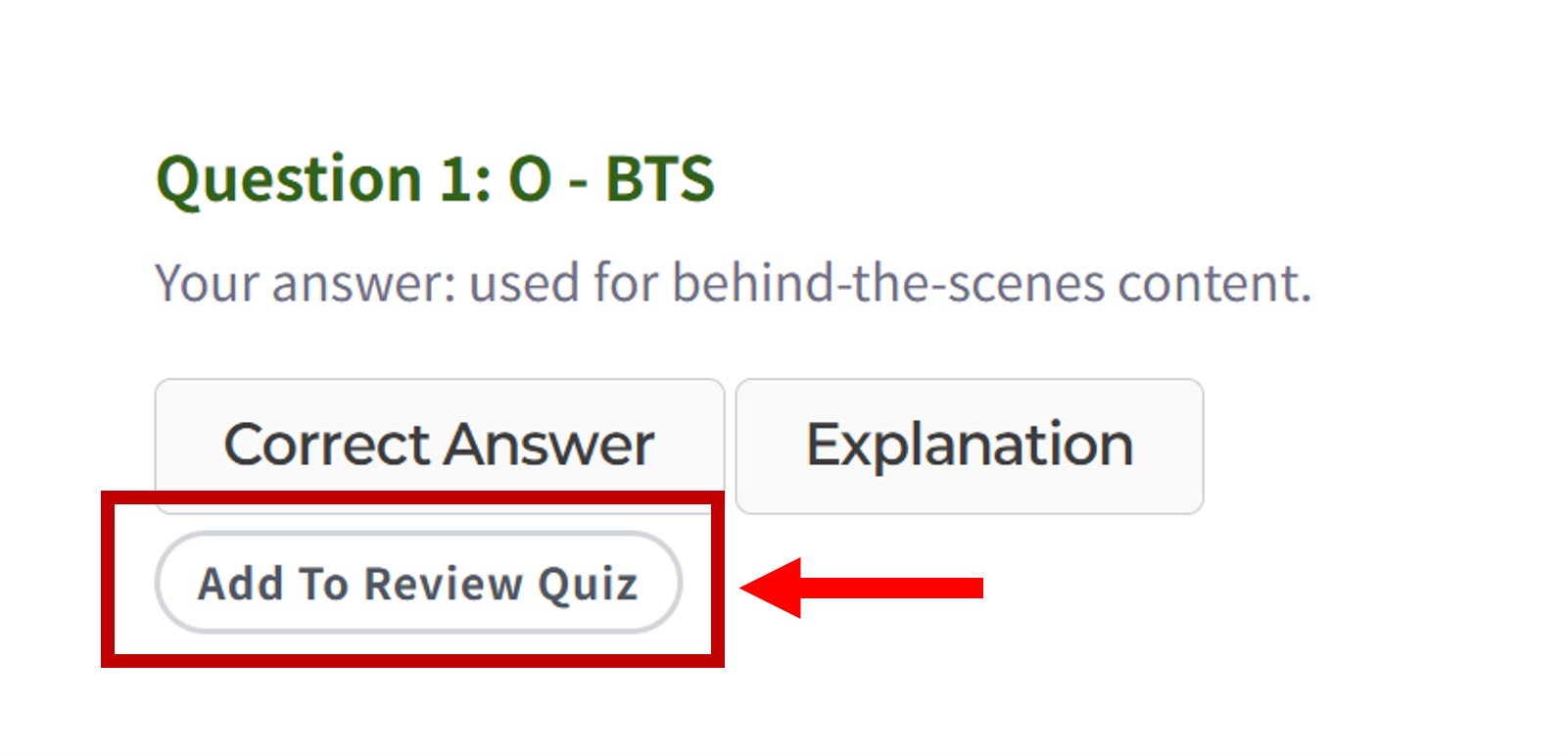
Sometimes you might get a question right by luck.
You can now manually add questions marked as 'Correct' to your Review Quiz. This feature is available when a Review Quiz can be generated (only available for the 'Quiz from Sheet' format and when the question mode is not set to 'Randomly swap Q/A').
3. New Font
Some nice fonts have been applied to SheetQuiz!
To prevent character corruption, fonts are applied only to specific parts of the UI.
4.8 New Features
Nov 28, 2025
1. Quiz Screen Design
We have applied a new design for buttons within the sheet quiz, selection items on the quiz screen, and input fields.
2. Review Mistakes
You can now create a new quiz by collecting incorrect answers from the test result screen!
However, this feature is only available for the 'Quiz from Sheet' format and when the question mode is not set to 'Randomly swap Q/A'.
To protect copyright, review quizzes cannot be edited or set to public, and the file export function is restricted.
3. Improvements
- Improved the way bookmark information is displayed on the flashcard screen.
- A popup has been added to the editor to notify you of error information.
4.7 New Features
Nov 23, 2025
1. Quiz 'Like' Feature Renewal
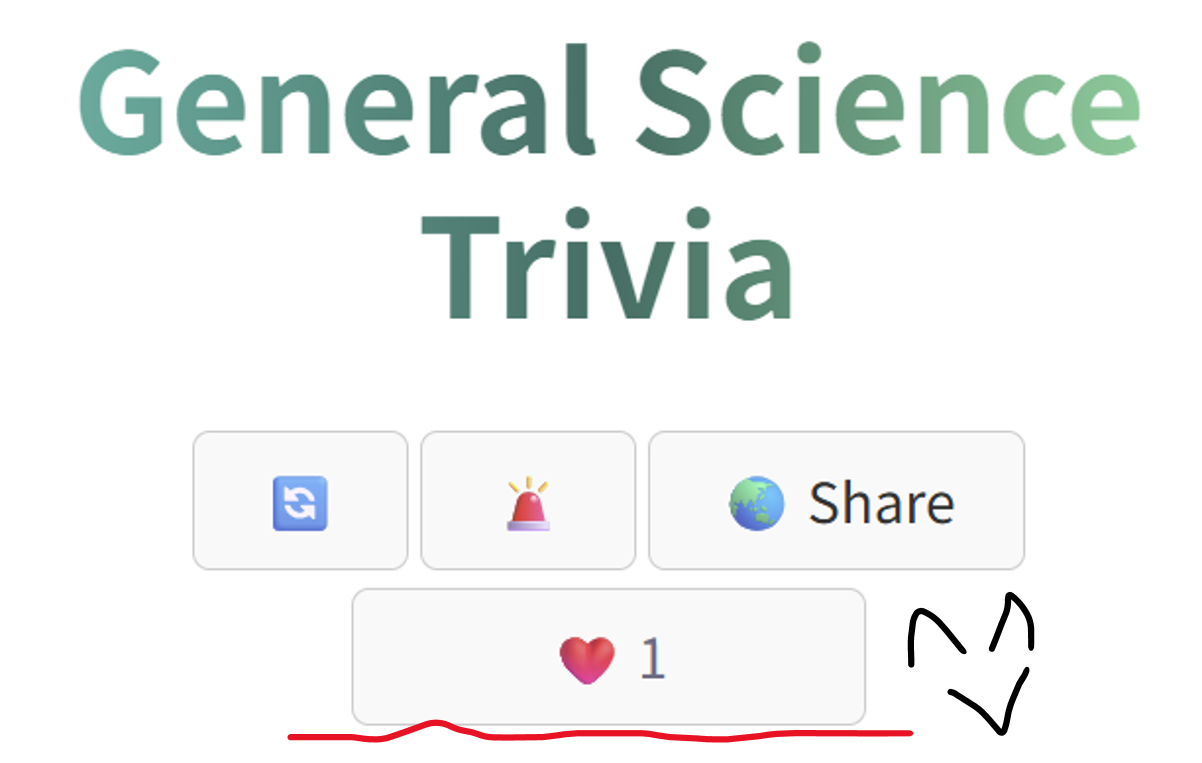
The 'Like' button has now been integrated into the File Menu (Quiz Menu)! You no longer need to go through the hassle of duplicating a quiz just to like it.
Additionally, the sorting issue that occurred when filtering the quiz list by 'Like Count' has been resolved.
2. Editor Update
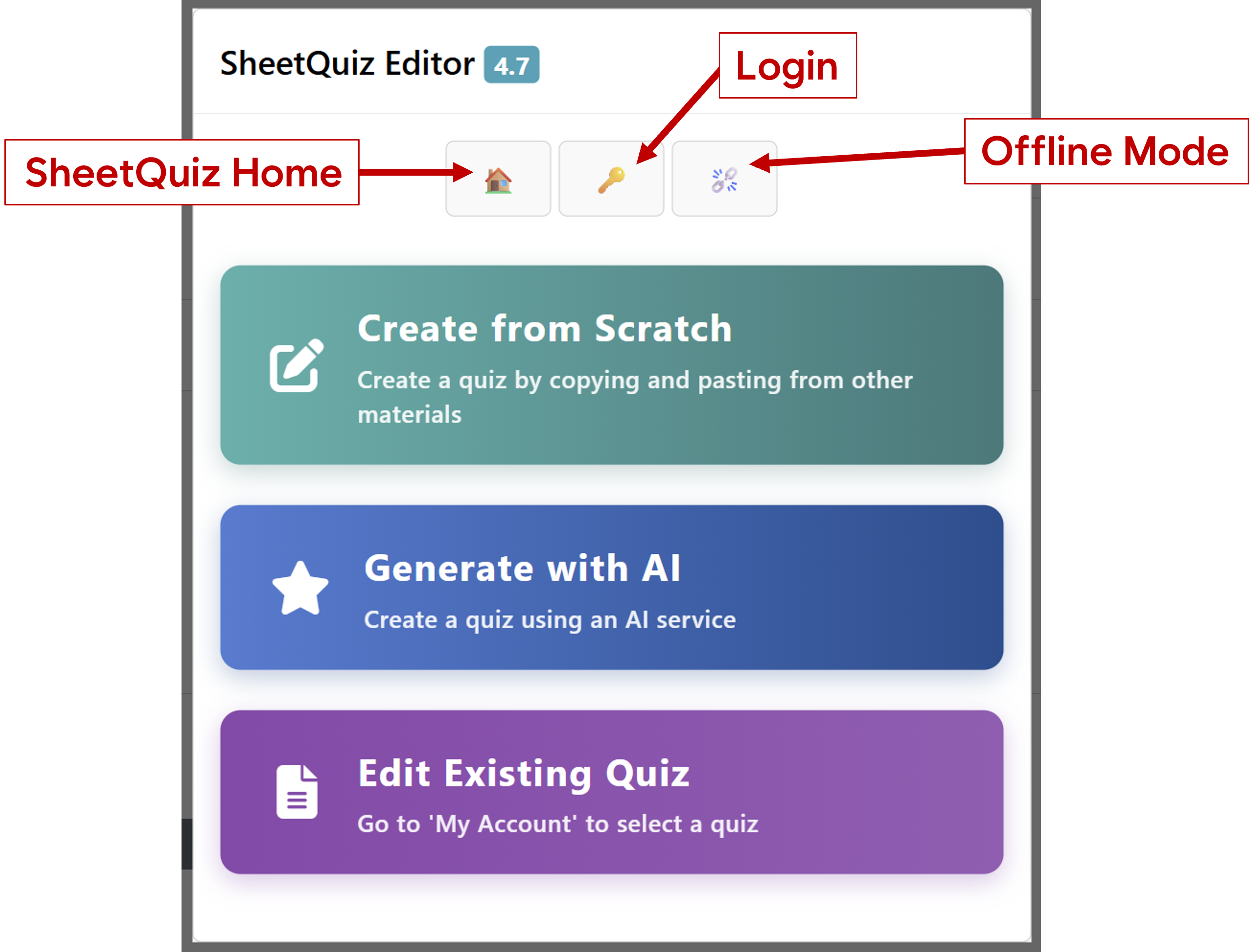
- The editor's start screen has been redesigned.
- You can now select a quiz type when creating a new quiz to use presets immediately.
- Added helpful tips for areas users found difficult.
3. Important Security Patches & Bug Fixes
- We conducted internal penetration testing and fixed all security vulnerabilities discovered.
- Added more supported keyboard keys for Flashcards.
- Fixed a bug where half-width commas entered via Japanese and Chinese keyboards were not recognized.
4.6 New Features
Oct 4, 2025
1. Test Paper Name Change
Previously, test paper types had non-intuitive names like "Custom Test." Now, the names have been changed to two types: "Quiz from Sheet" and "Direct Creation".
Additionally, ambiguous descriptions and phrasing have been revised.
2. Flashcard Improvements
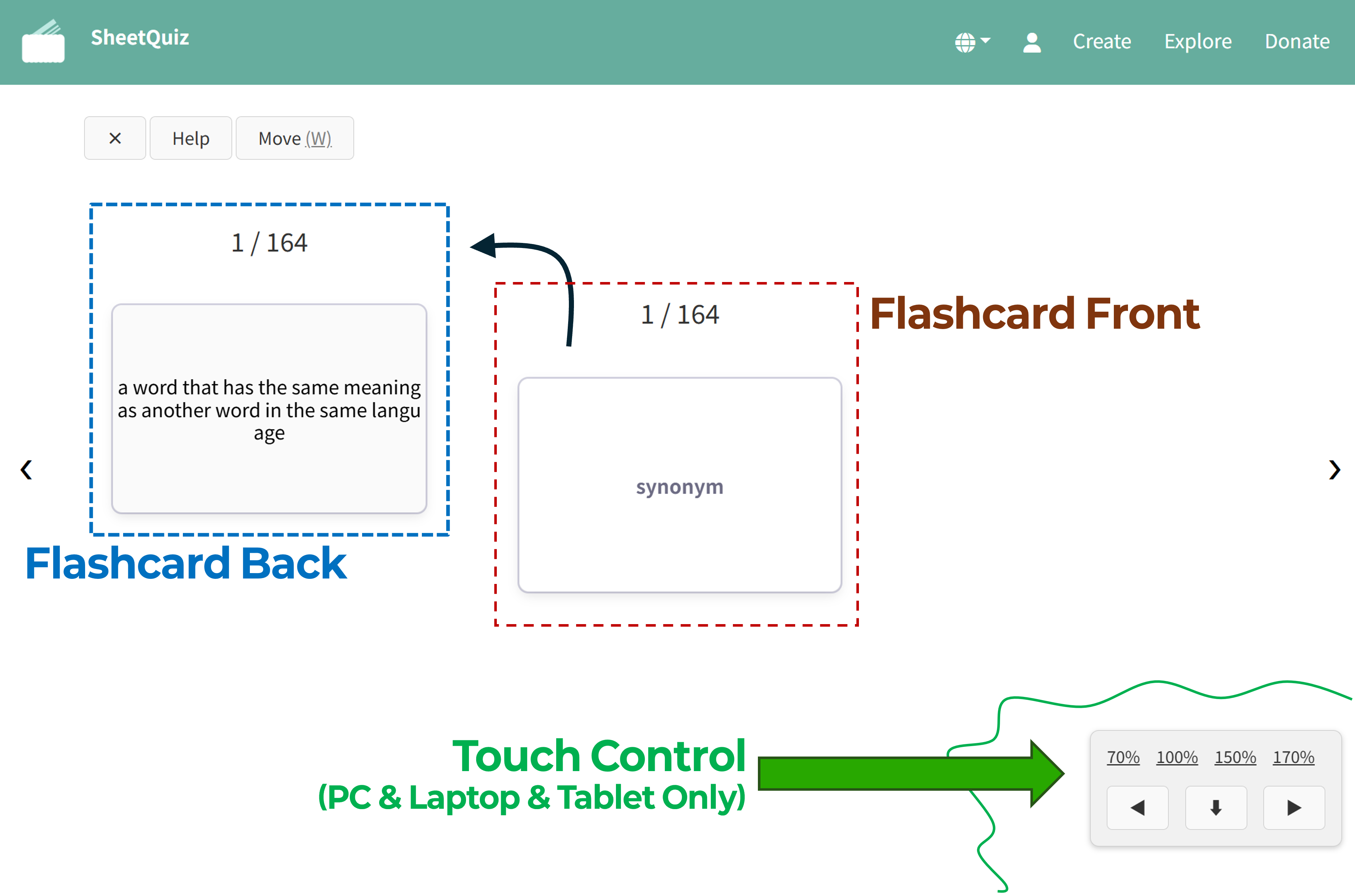
◉ Added touch controls for flashcards on large screens.
◉ Made the front and back of cards more intuitive to distinguish.
3. Editor Updates
◉ The size of the basic components in the default SQP file has been reduced, and some features have been improved. These changes cannot be applied to existing quizzes and require creating a new quiz to take effect.
◉ Delete and reorder functions have been added to the bookmark editor.
4. Consistent Experience on Large Screens
◉ Providing the same screen layout as mobile for tests and results screens.
◉ The top menu now hides when scrolling on large screens.
5. Minor Changes
Animations are now applied to pop-up windows in a way that does not interfere with learning, and the loading screen has been improved.
the SheetQuiz Explore account now has the feature to view all currently logged-in devices and remotely log them out. Additionally, accounts will now be logged out after 2 days of inactivity (reduced from the 7 days).
4.5 New Features
Sep 14, 2025
1. Added "Create Quiz with ChatGPT" Button
You can now generate SheetQuiz quizzes using OpenAI's service, ChatGPT. Request a specific topic or upload files like lecture materials, and ChatGPT will generate questions and create an SQP file.
Download the generated SQP file and use the link provided by ChatGPT to upload it to SheetQuiz and take the quiz.
※ ChatGPT is a trademark of OpenAI. This service is provided by OpenAI, and SheetQuiz has created a GPTs for SheetQuiz. This is not an affiliate partnership.
2. Quiz and Results UI Improvement
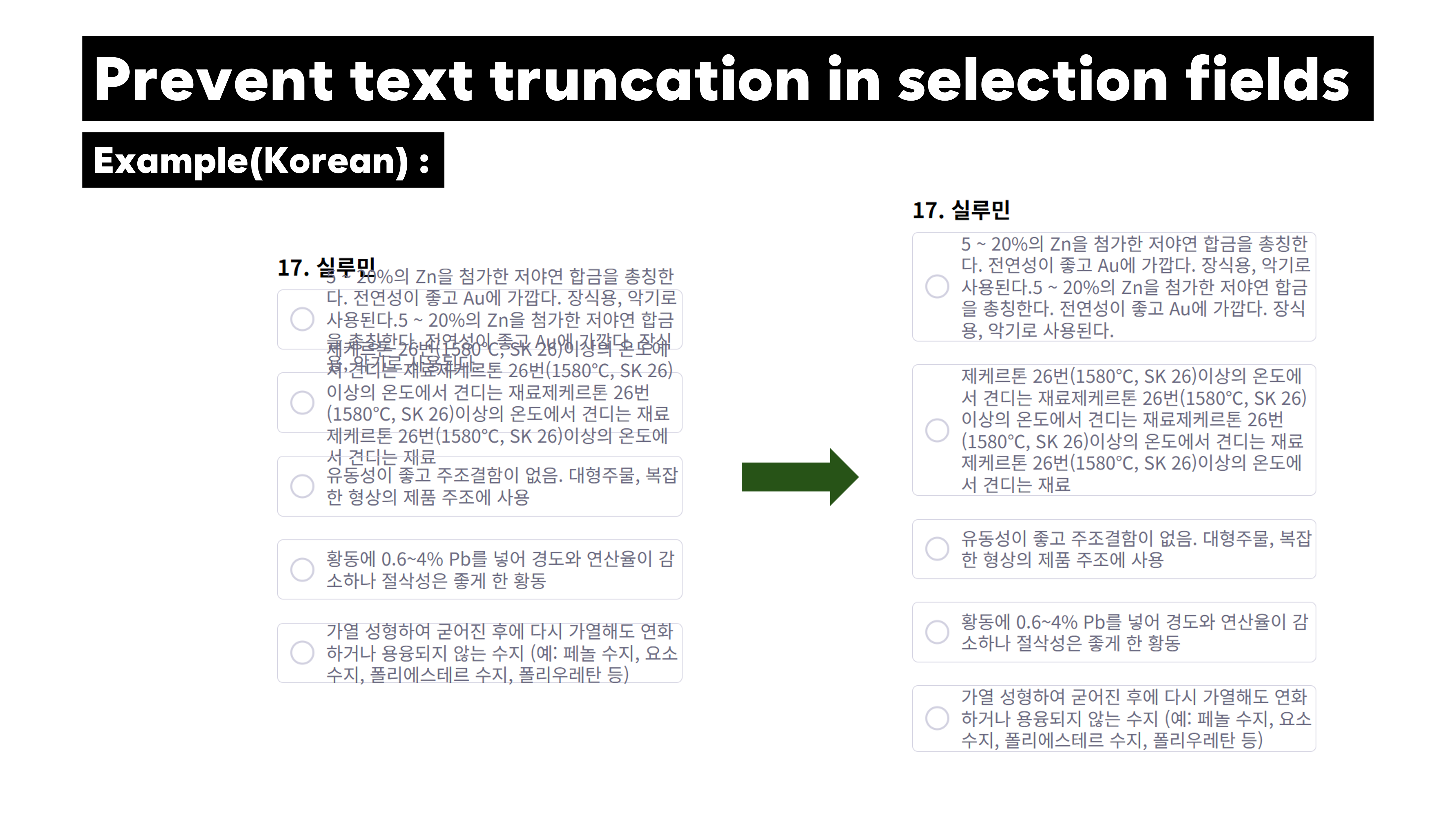
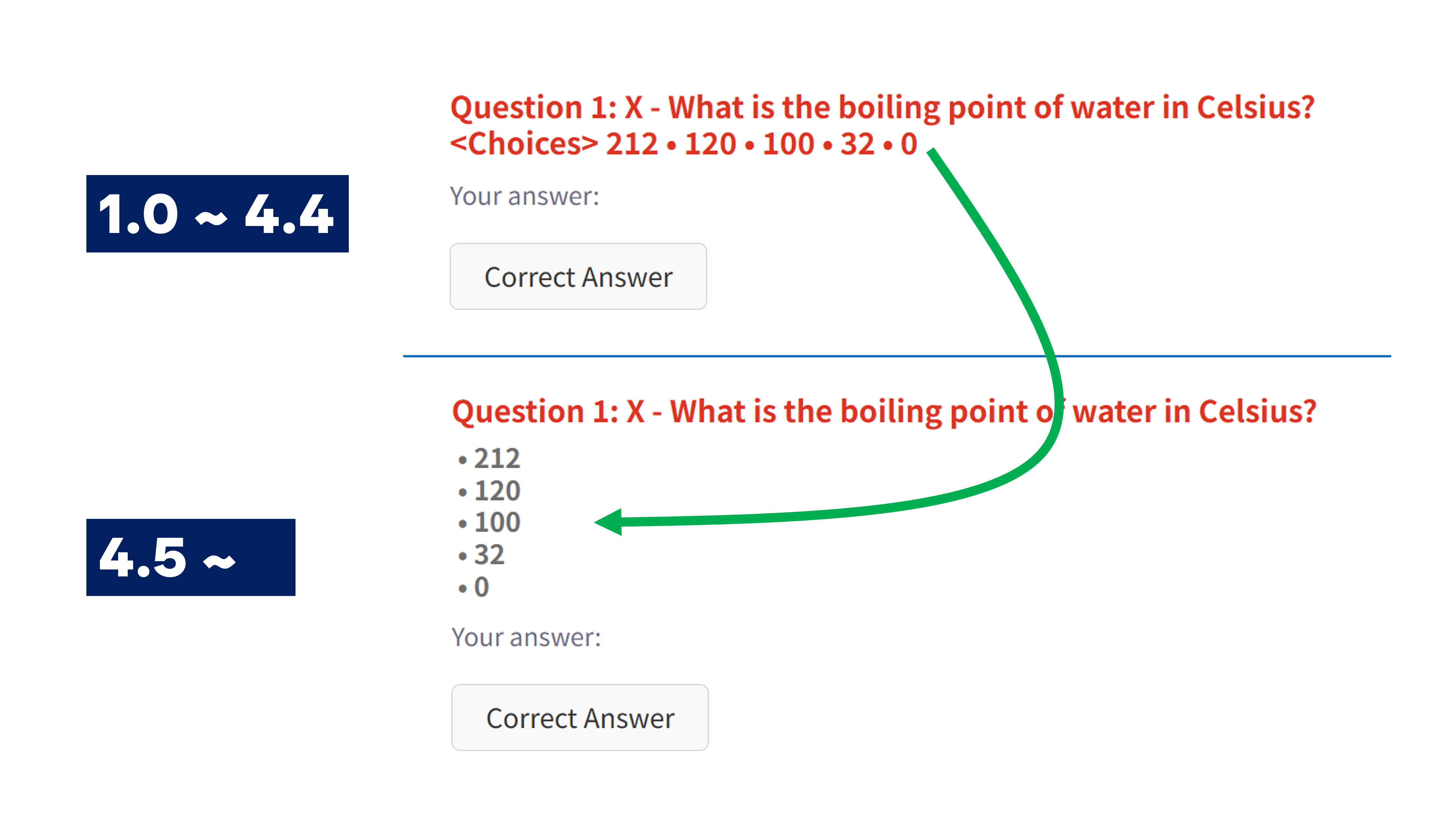
Fixed an issue where text would overlap if multiple-choice options were too long, and improved the display of the choice list on the results screen for better readability.
3. Improved SQP File Data Processing Logic
The process for handling invalid data in SheetQuiz SQP files has been improved.
4.4 New Features
Sep 5, 2025
1. [Editor] Custom Test Editor Renewal
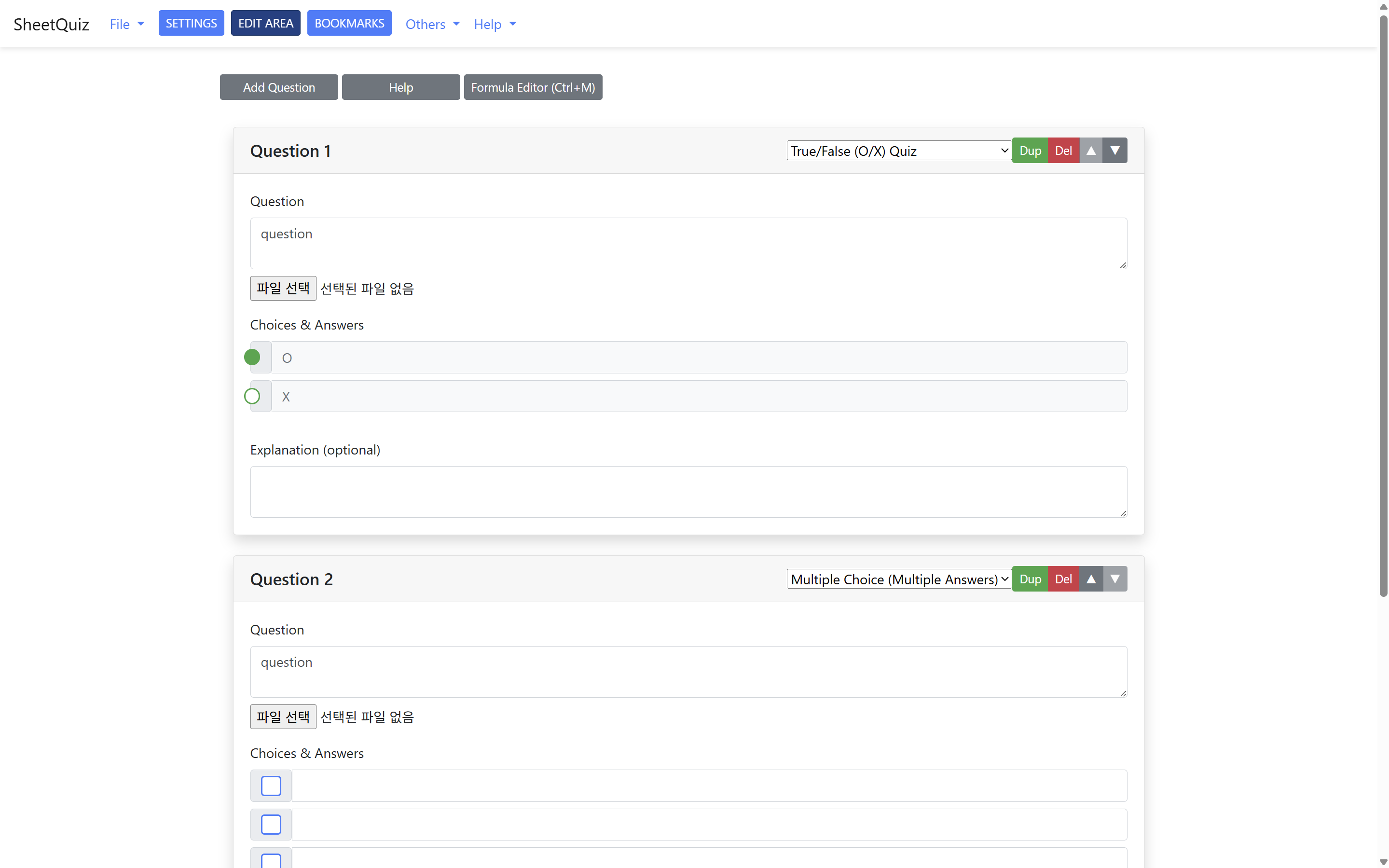
We've updated the editor to make it easier for anyone to create quizzes. You no longer need to learn the complex custom test file structure! This feature has been available to some users and is now being released to everyone today.
2. Changes to Operating Policy
• For private quizzes (quizzes accessible to anyone with a link), only the quiz owner can now remix (duplicate) or download them as a file.
• The total size limit for quizzes that can be posted on the server has been changed from 100KB to 200KB.
• SheetQuiz administrators can now monitor all quizzes, including private ones. You must not create quizzes that violate the terms of service, even if they are private.
3. Minor Changes
• When you create a new quiz in the editor, the title you enter will now be automatically included in the quiz project file.
• The "Enter the correct answer" placeholder text has been removed from the short-answer input field.
4.3 New Features
Aug 8, 2025
1. New Homepage
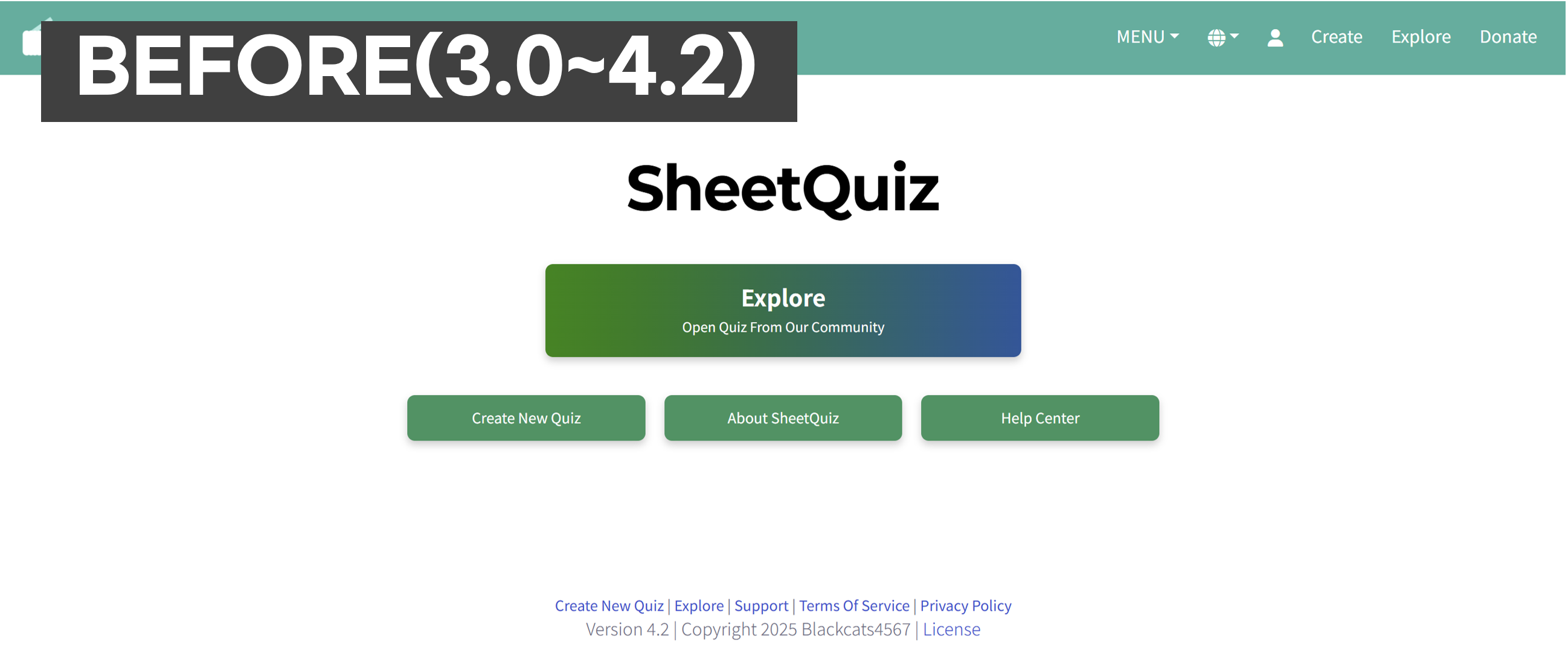
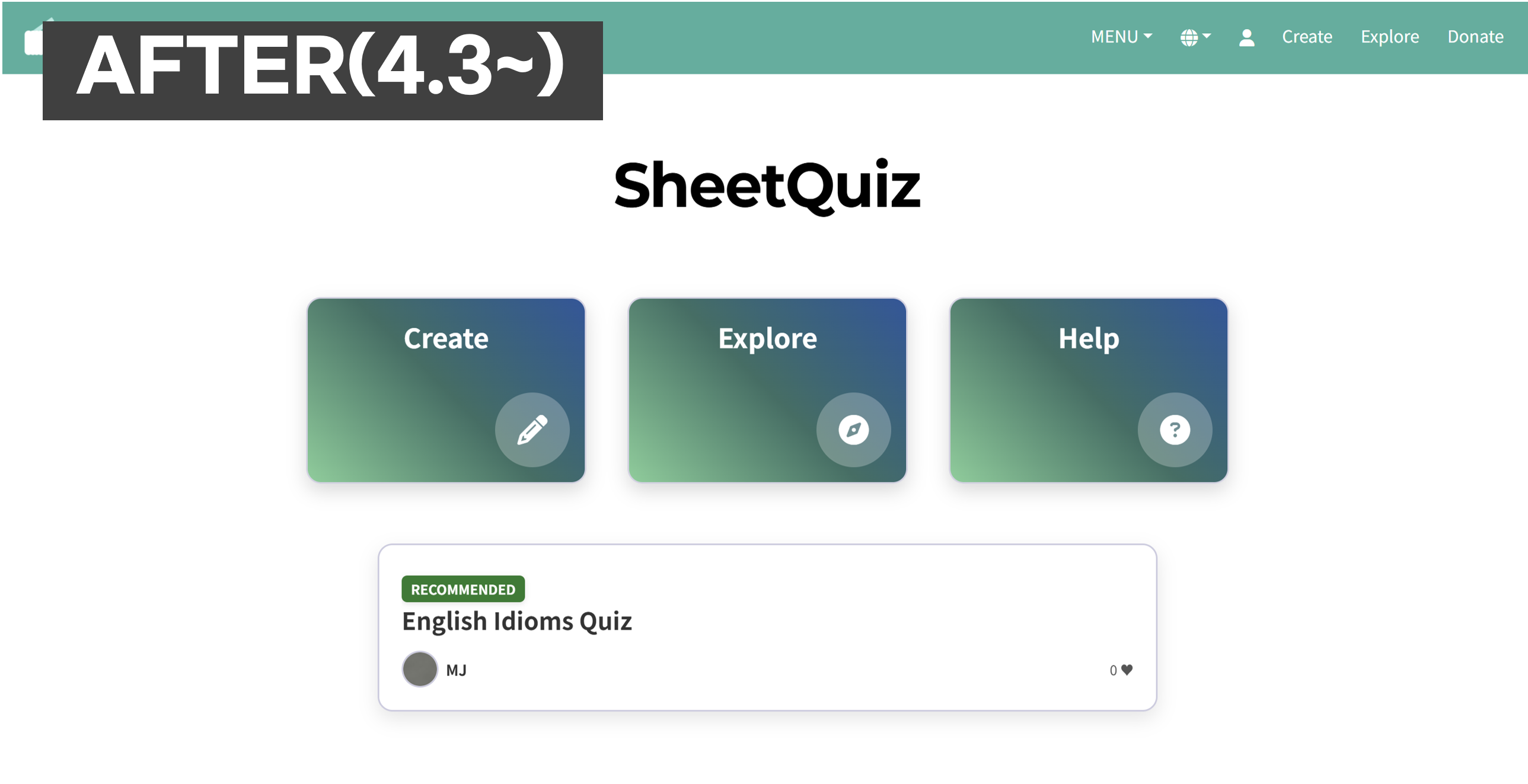
We have redesigned the homepage, which remained unchanged since February. The shortcut buttons are now longer and enhanced with icons to improve visibility. Below them, one of the publicly shared quizzes is recommended and displayed to create a more engaging homepage. This update aims to naturally increase exposure to older content and offer a new way to discover quizzes.
2. Updated Quiz List UI
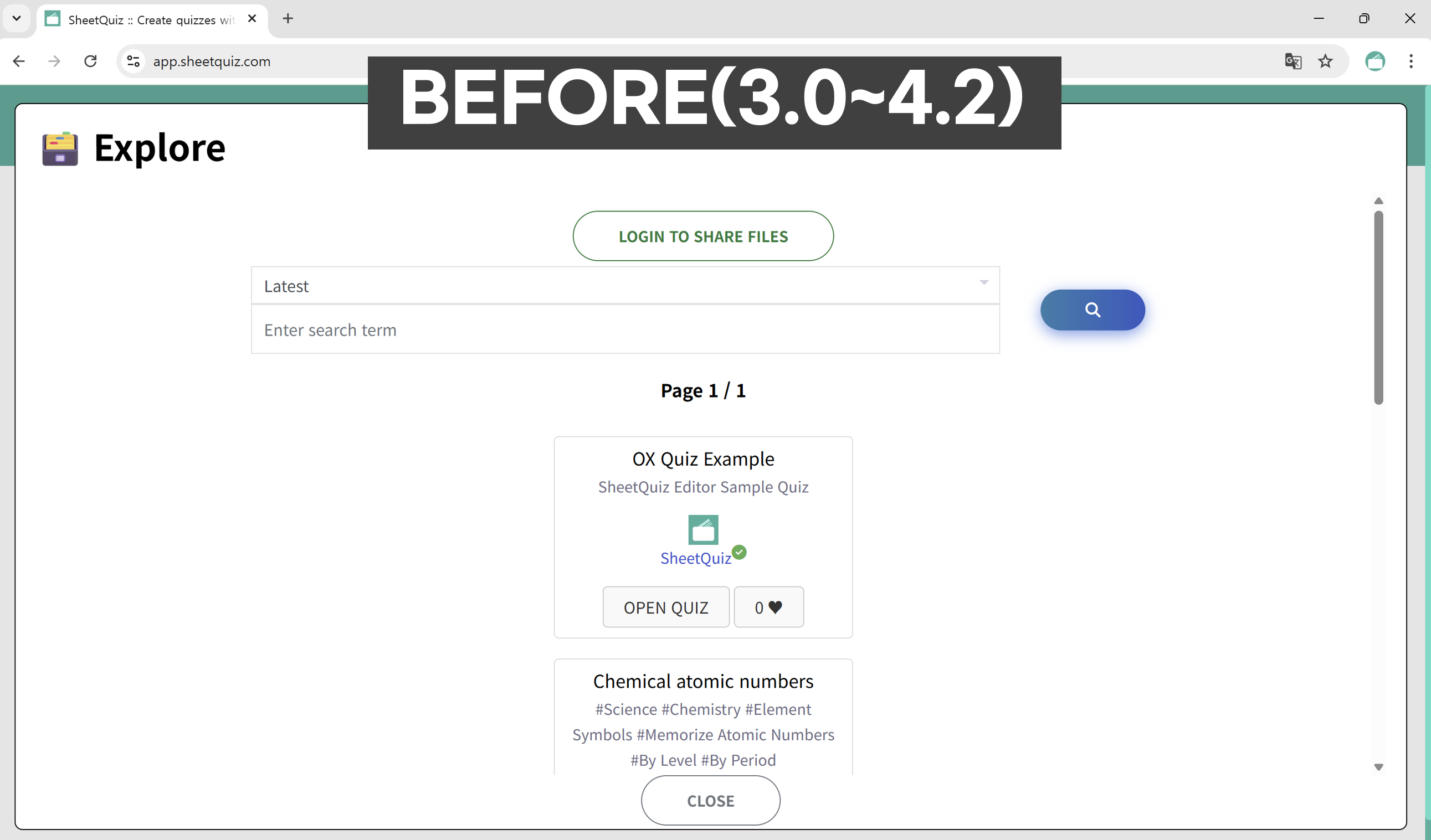

The public quiz list interface had remained the same since the 3.0 release in February, with poor support for large screens. We’ve now improved it to ensure easier browsing on larger devices.
3. Improved User Experience (UX)
Previously, many features opened in new browser tabs, making tab management difficult. We've resolved this issue by reducing unnecessary new tab behavior throughout the site. Also, the page previously called "Manage Shared Quizzes" has been renamed to "My Account" to better reflect its purpose.
4.2 New Features
Aug 6, 2025
1. Improved Editor Menu Design
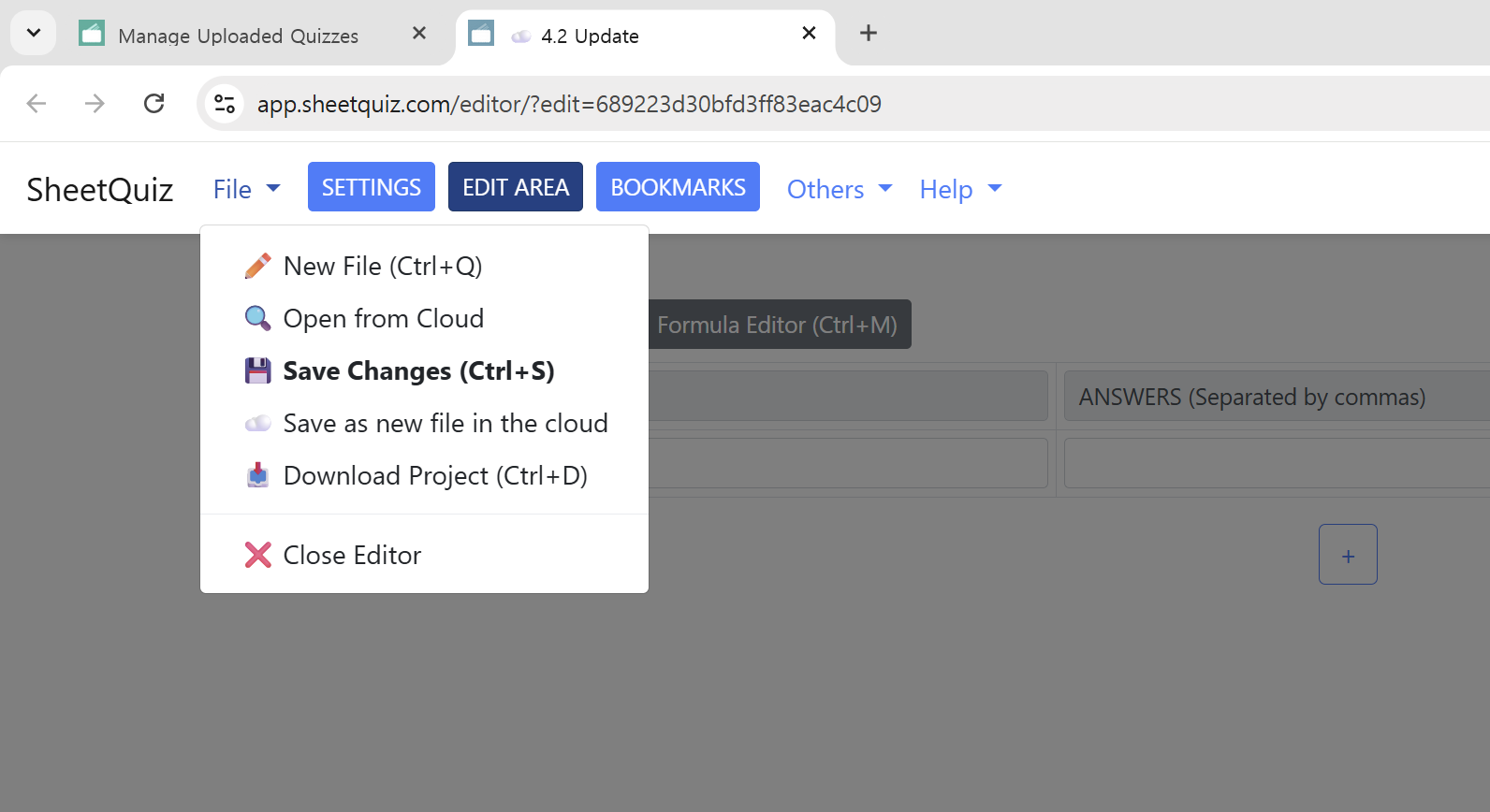
The editor menu functions have been intuitively categorized and the design has been improved. The previously split two-part top menu has been combined into a single unified menu.
2. Initial Test Settings Feature
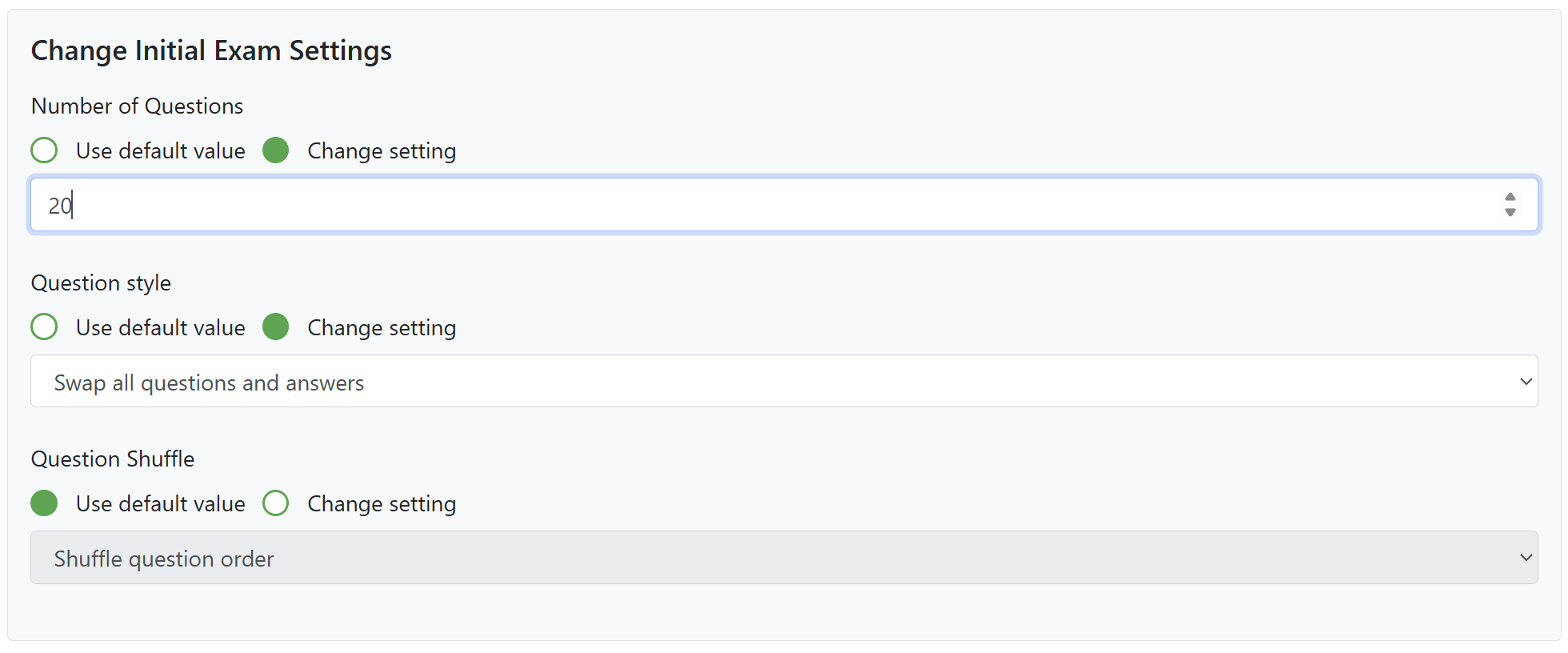
You can now customize the default settings applied when a quiz is opened. For example, previously the number of questions was always set to the maximum by default. Now, you can change it to 20 as a new default from within the editor.
3. SQP File Extension

Quiz project files edited with the SheetQuiz Editor now use the SQP (SheetQuiz Project) file extension. These files are compatible with Microsoft Excel. You can download the project file and open it with these third-party programs to edit on your computer. Edited files can then be opened in the SheetQuiz Editor's offline mode or uploaded via the quiz edit screen to load them back into the editor.
Minor Changes
- The image insertion feature has been integrated into the custom test editor screen.
- In the general test type edit area, new questions are no longer added every time the add button is clicked. A new question will only be added if the last one is not empty.
- The editor now also reflects the quiz title in the browser tab title. This prevents confusion when editing multiple quizzes in different tabs.
4.1 New Features
June 22, 2025
1. Receive & Share Results
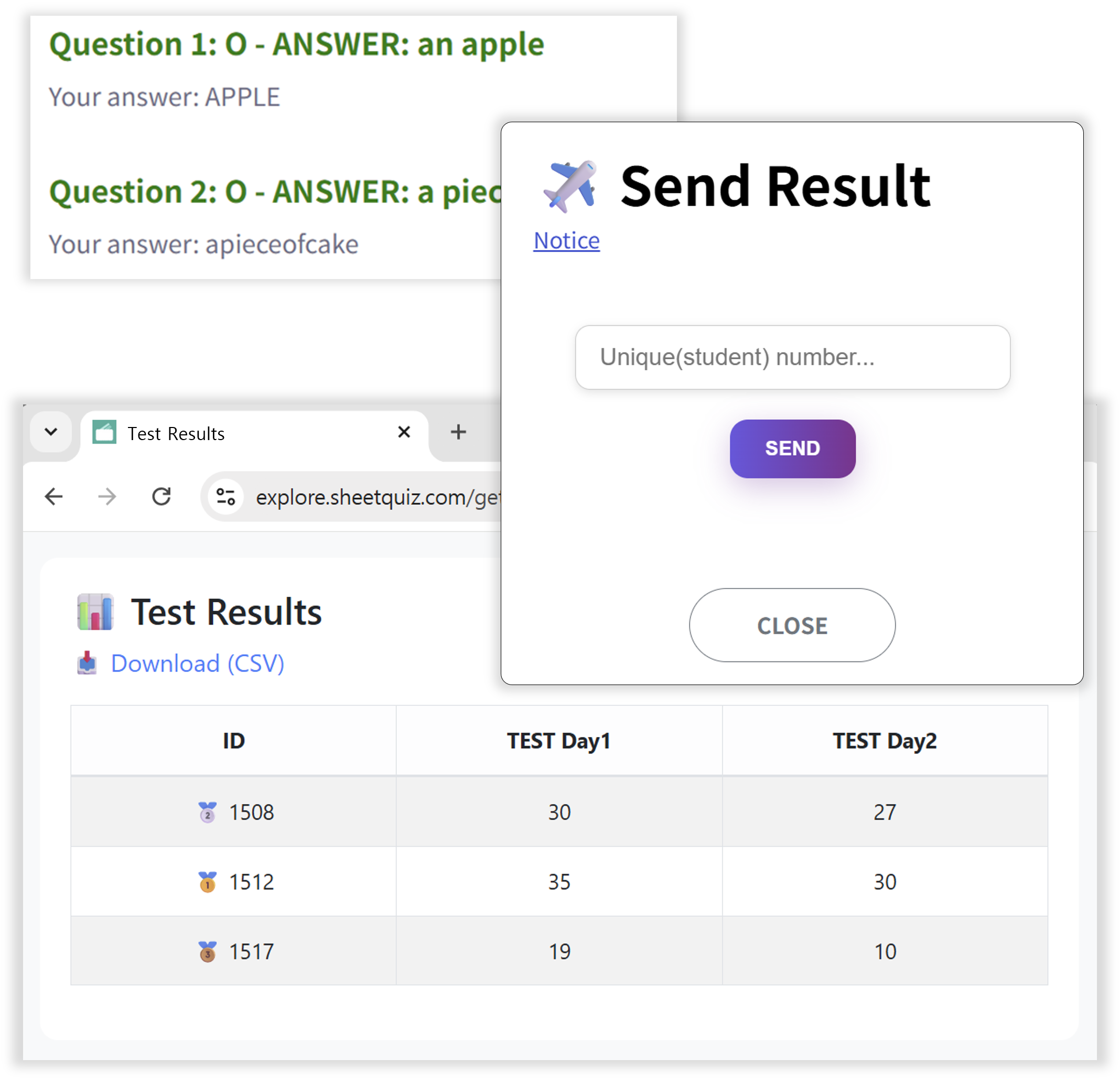
You can now receive test results. Set submission requirements and export the results in CSV format! You can also create a shareable link to publish the results.
2. Improved UX
Redesigned parts that had been left in the early version design. Elements have been rearranged to be more intuitive, making it easier for first-time users. Tasks are now simpler and more streamlined.
3. Bug Fixes
Fixed issues where changes were not saved in certain editor scenarios and the system stopped working when entering 0 as the range.
4.0 New Features
May 10, 2025
1. Added SheetQuiz Editor (Create)
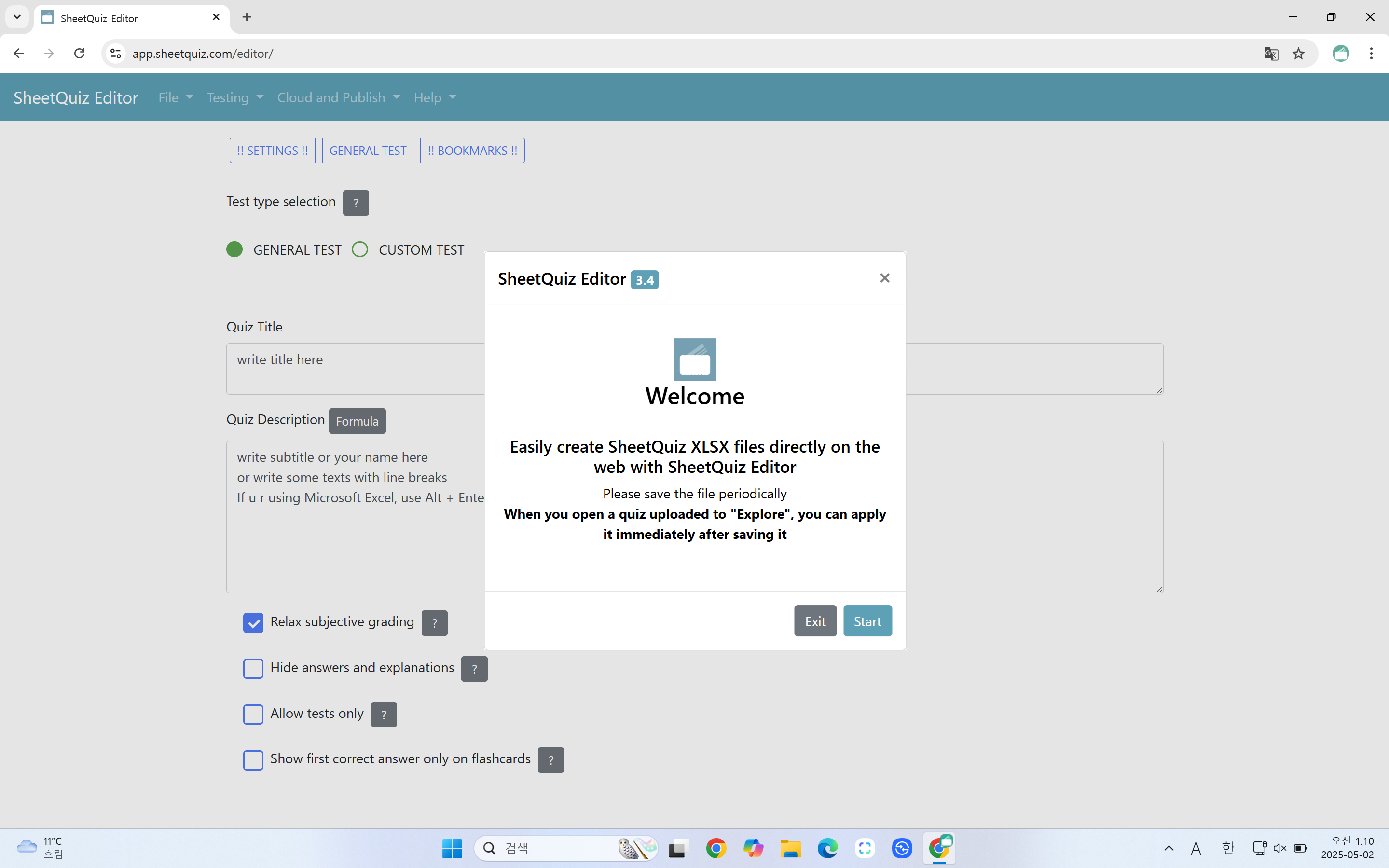
Finally, SheetQuiz has a dedicated file editor! You can create study materials more easily and neatly with a more intuitive editing screen than the existing XLSX file format. The file is in the same format as the existing one, so you can continue editing it.
2. Function enhancement
Bugs related to the test screen have been fixed, including multiple spaces being ignored, some formulas being broken on the test screen, and line breaks being ignored on the test screen.
3. Cloud Storage
You can upload your quizzes to the server privately and use them like a cloud. Private quizzes are not displayed in the public list and can only be accessed via a link.
3.3 New Features
Apr 19, 2025
1. File menu renewal
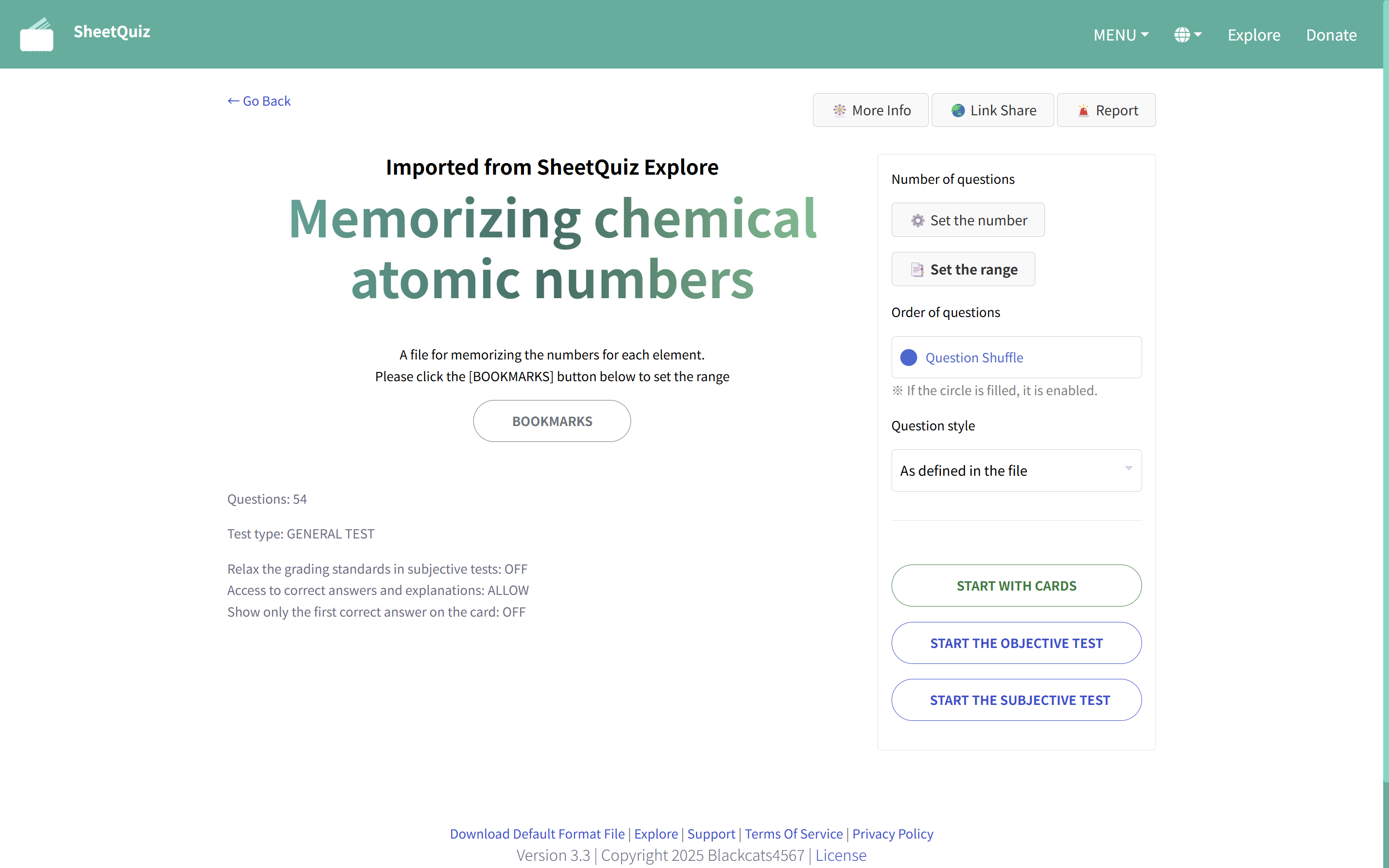
The file menu screen, which has been the same since the beta version in December 2024, has been redesigned! Some users may not know the existence of some functions because they do not press the button, so the "QUESTION CREATION SETTINGS" button has been removed and settings can be changed directly from the file screen. In particular, the layout of elements has been improved to make better use of empty space on devices with large screens such as tablets and PCs.
2. Equations support
Now you can insert equations in file descriptions, questions, answer choices, and explanations!
If you put LaTeX-formatted characters between $@ and @$, you can insert equations between the letters ($m$ a^2 + b^2 = c^2 $m$), and if you put them between $$@ and @$$,
you can insert equations as blocks, like $m$@ a^2 + b^2 = c^2 @$m$.
3. Improved custom test format functionality
- Previously, in the custom test format, the question format had to be written in capital letters like A to be recognized, but now it is recognized normally even if it is written in lowercase letters like a!
- For problems in the O, X quiz (question format is "A", 1st choice is "O", 2nd choice is "X", and the remaining choices are all blank - ignore the quotation marks), a feature has been added where the user's correct answer and the actual correct answer are displayed as O and X instead of numbers.
4. Minor changes
- Now, if you enter 3 in the bookmark settings, the bookmark popup will automatically run when you open the file. (1 disables bookmarks, 2 enables bookmarks, 3 enables bookmarks + runs automatic popup)
- The popup window asking "Are you sure you want to start?" has been removed when there are duplicate answers. Now that many files with many questions are being created due to the introduction of the bookmark function, it has been deemed unnecessary.
(You can still check the problematic questions in F12 > Console after clicking the Start Test button. However, you must turn off the Shuffle Question Setting to accurately identify the row.)
5. Change URL format in SheetQuiz Explore
The shared URL for the "Explore" feature is now in the format app.sheetquiz.com/explore/id instead of app.sheetquiz.com/?explore=id.
3.2 New Features
Mar 19, 2025
1. Bookmarks

New feature that makes it easier to set test question ranges! Users no longer need to enter question ranges as numbers. Now, test authors can set ranges by clicking on bookmarks defined in the file.
2. Improved Flashcards
Added a button to move by entering the number.
2. Improved "Study with Cards"
Added buttons to move by entering numbers and buttons to move to bookmark locations.
3.1 New Features
Feb 23, 2025
1. Support for English, Traditional Chinese, and Japanese in the Relax the grading standards in subjective tests setting
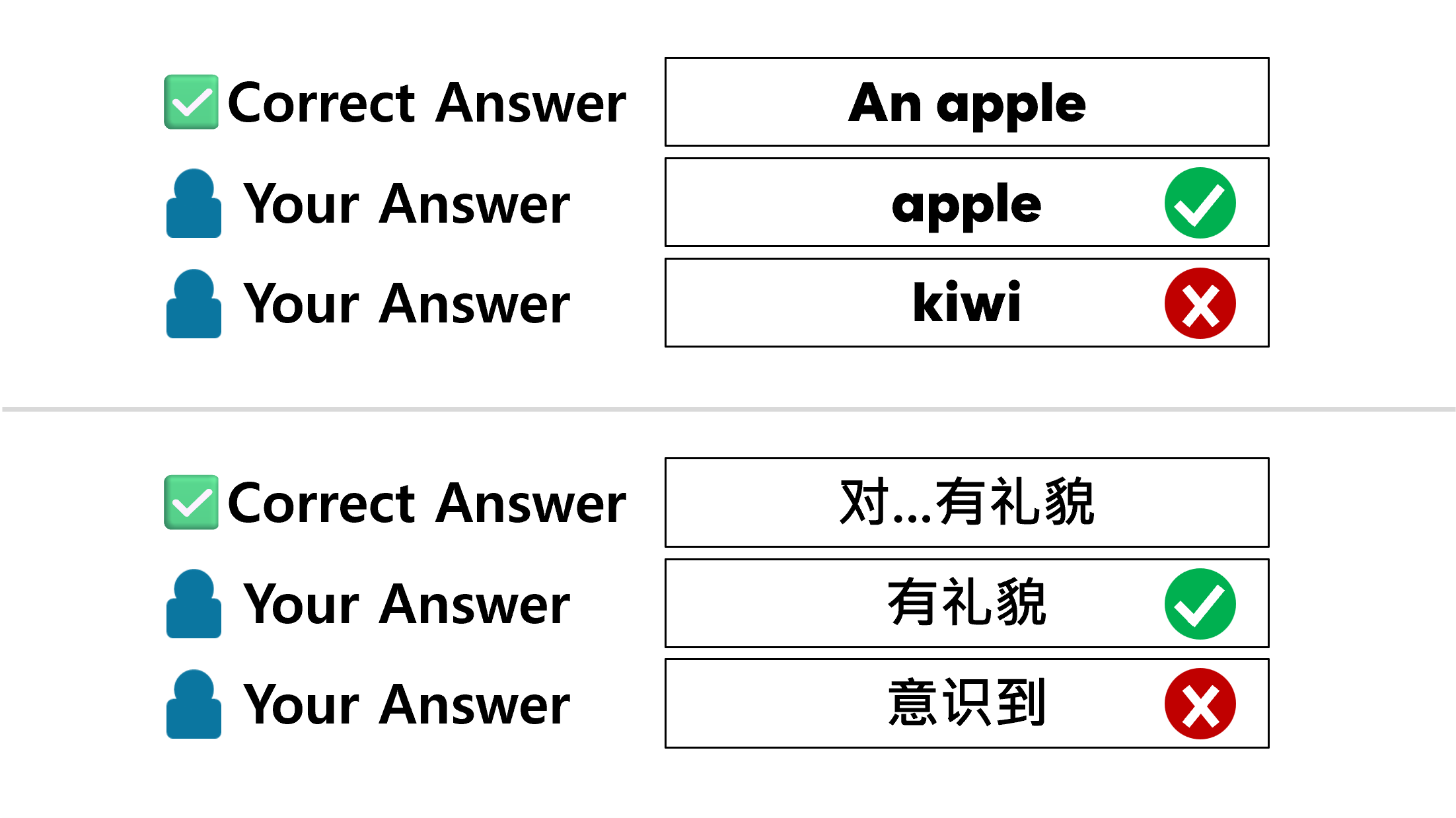
The "Relax the grading standards in subjective tests" setting, which was previously only supported in Korean, now supports other languages! This feature works the same way on all language sites. You can change this setting in the XLSX file!
2. Added question scope setting

Now you don't need to take the test for every question range in your file! You can now set the question range. After you set the question range, set the number of questions.
3. Update for custom test type
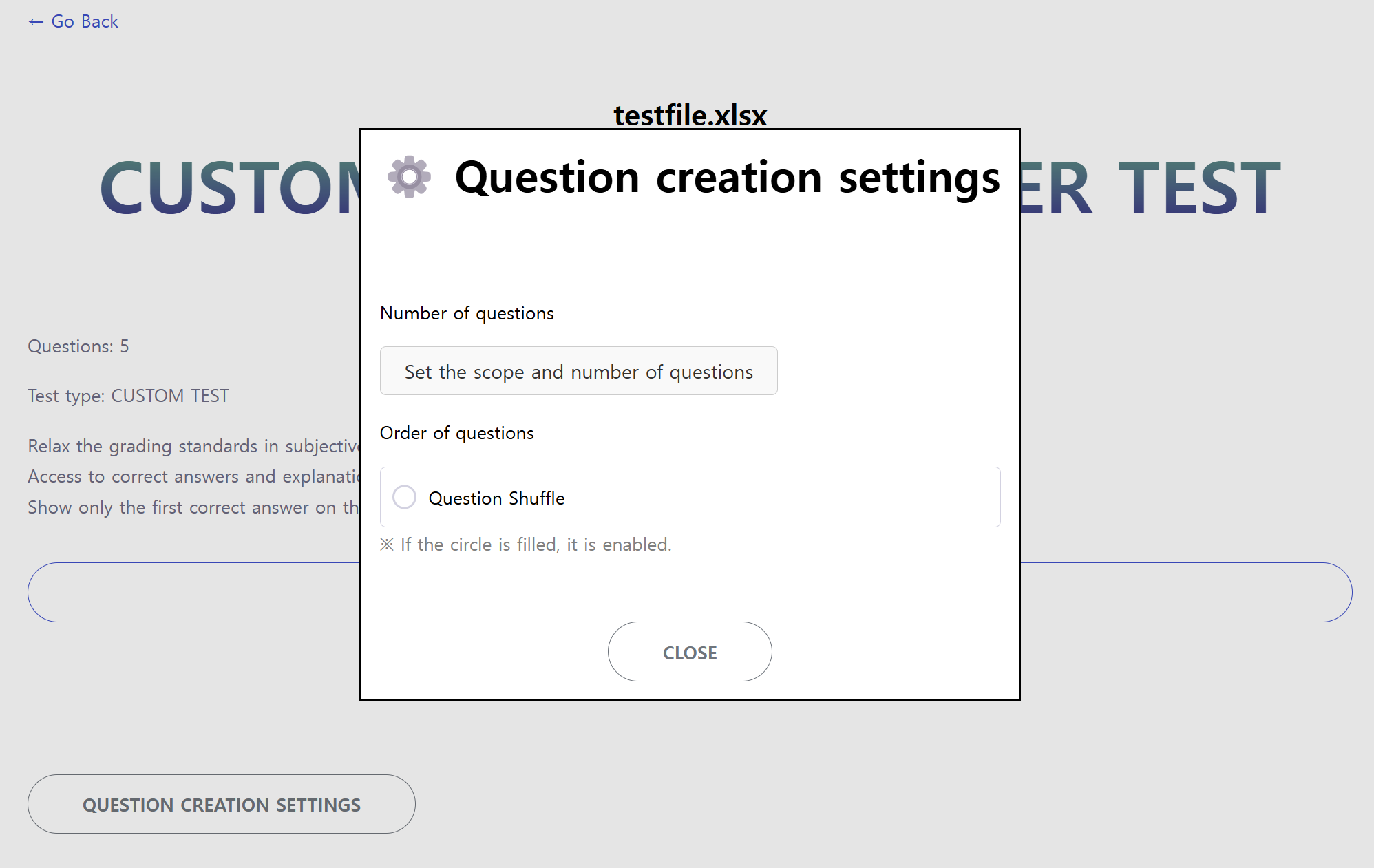
The problem creation settings are now accessible in the "CUSTOM TEST" type! Also, fixed an issue that some file settings were not applied.
Question shuffle settings are enabled by default in the "GENERAL TEST" type, and disabled by default in the "CUSTOM TEST" type.
3.0 New Features
Feb 16, 2025
1. Improved user experience
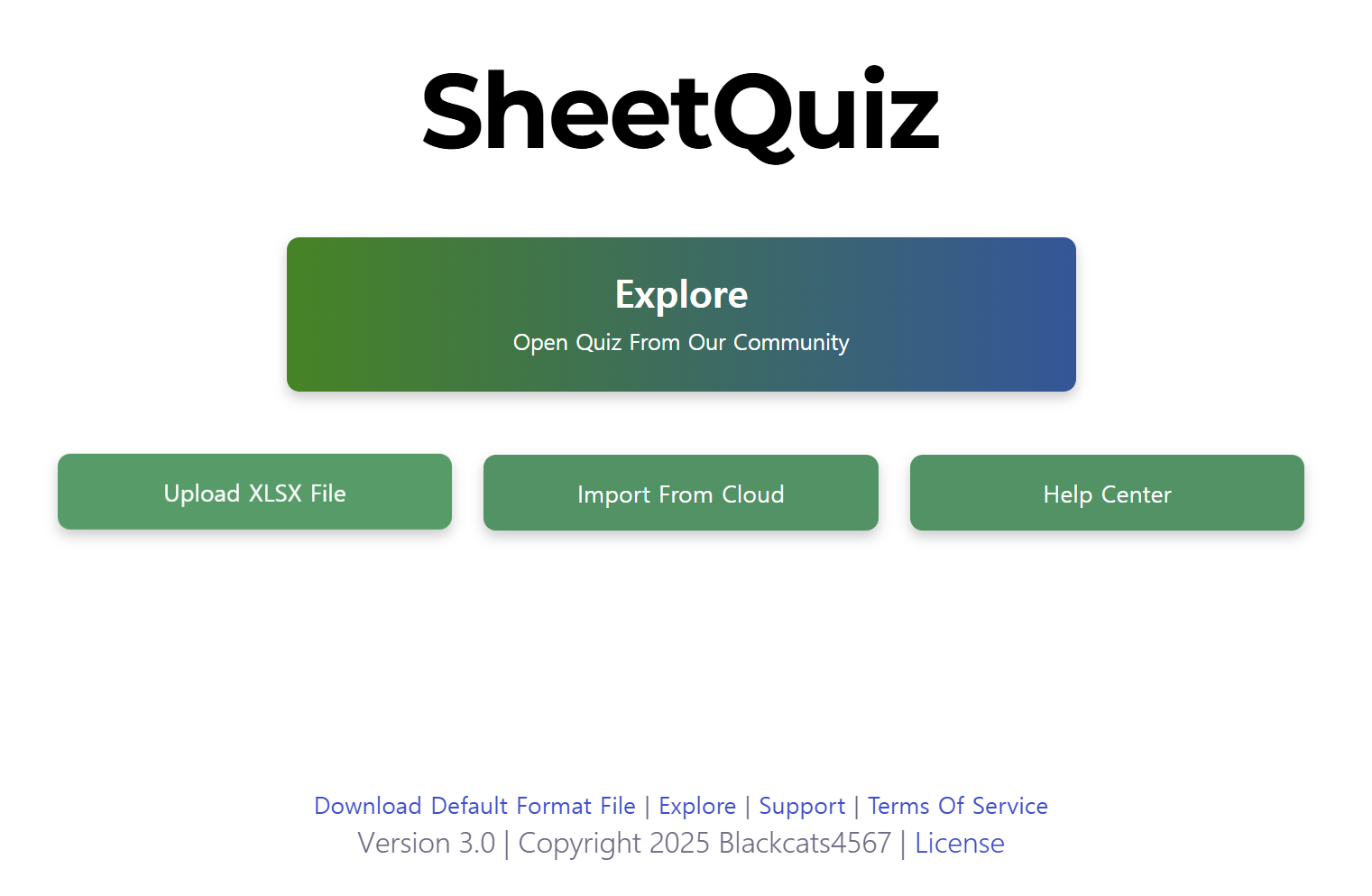
SheetQuiz has returned with a new design, throwing away its old-fashioned design! A more intuitive UI has been applied.
The Korean site has been renamed SheetQuiz from Kaelreot Cardtest to match the name with other language versions.
2. Added 'Explore' (community sharing feature)
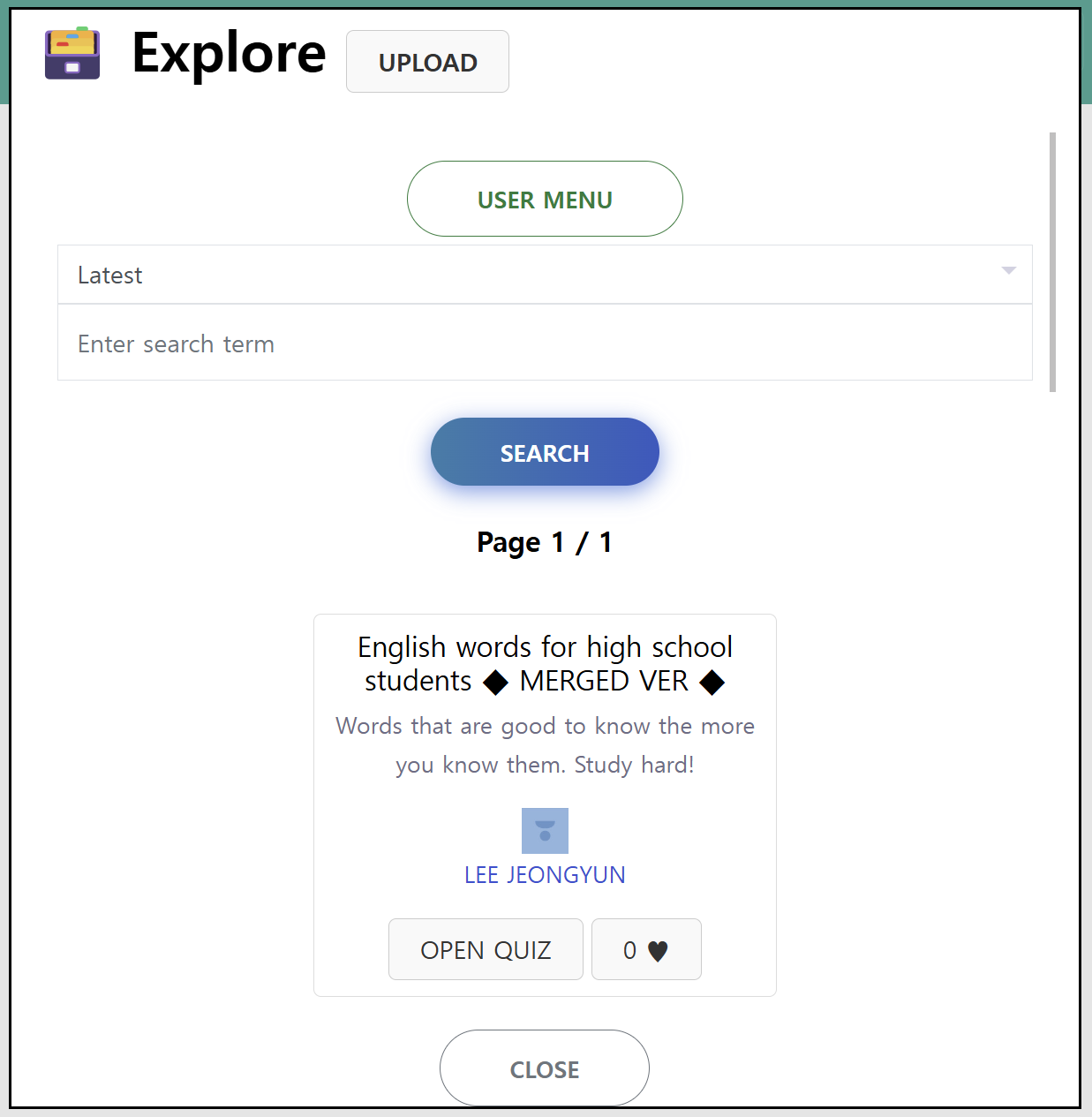
No more sharing your quizzes with third-party cloud services! Just upload them directly to SheetQuiz 😏
Anyone can upload a quiz, and anyone can open and study a quiz. Just click the "Explore" button on the main page to get started.
3. New help center
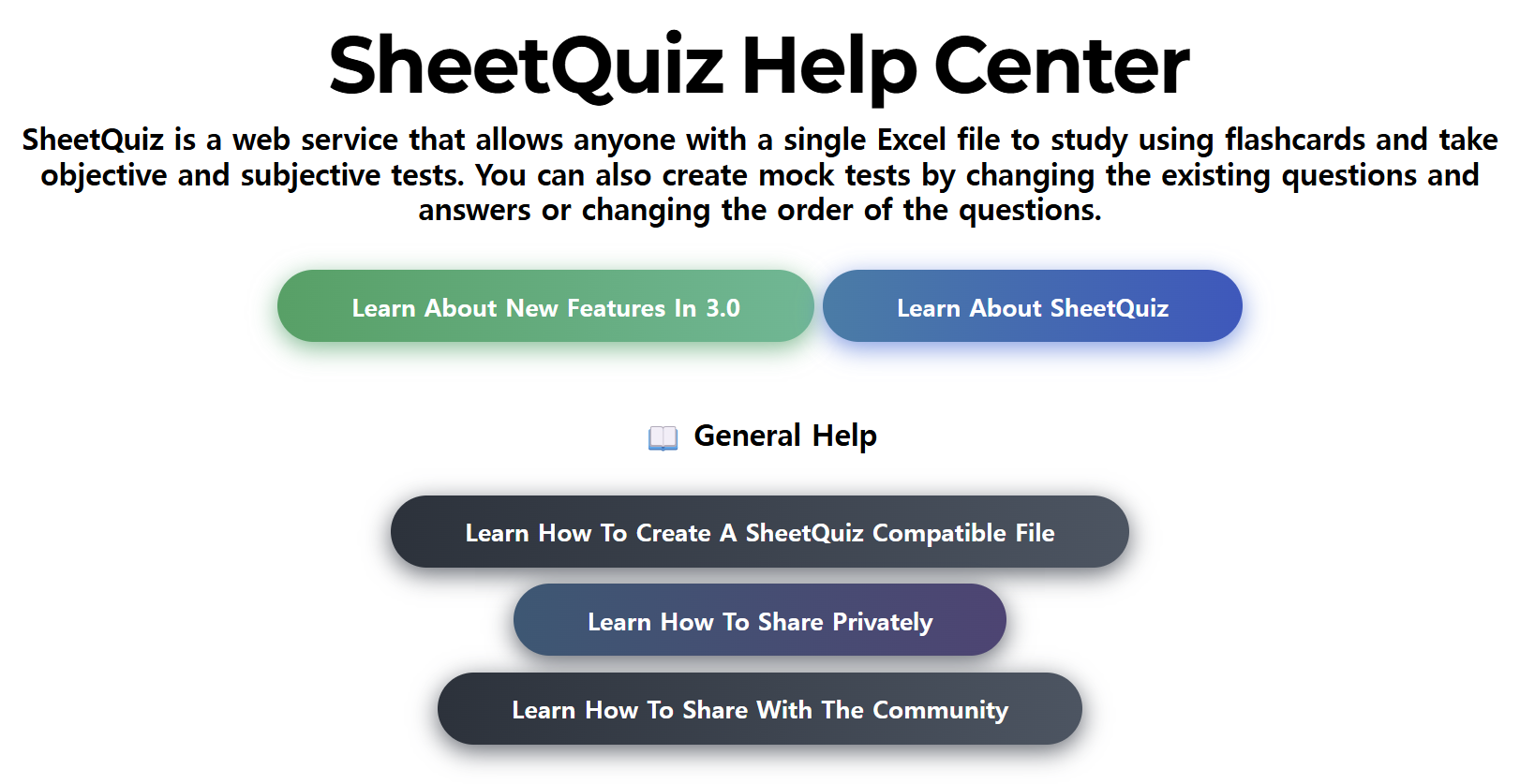
The help center's help articles have been updated with detailed explanations that include images as well as videos. And a design upgrade is a bonus!
EXTRA. some improvements
The subjective grading algorithm has been improved and the file format has been updated. There is now a "Show only the first correct answer on the card" setting.
2.4 New Features
Jan 22, 2025
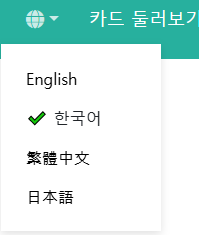
* English, Traditional Chinese, and Japanese language have been added.
* Now, when the "Relax the grading standards in subjective tests" is enabled, English case is not distinguished when grading.
* The Korean grading algorithm has been improved in the "Relax the grading standards in subjective tests" setting.
2.3 New Features
Dec 31, 2024
* You can insert BASE64 format images into custom test questions.
▶ View Help
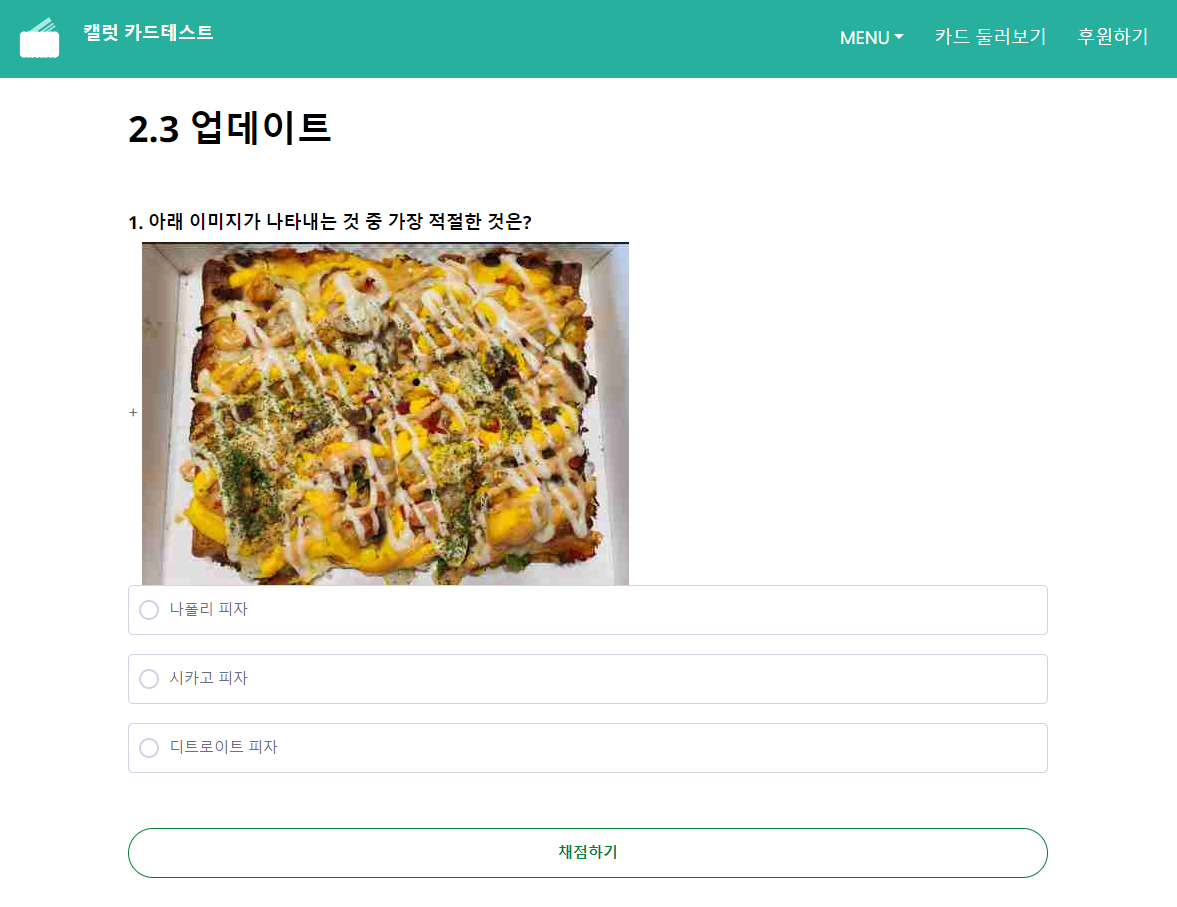
* If you leave a choice blank in a custom test, an empty choice will not be added separately.
▶ It can now be used in a variety of ways, such as O, X quizzes, rather than just multiple choice questions with five possible answers.
* A private file security vulnerability has been fixed.
2.2 New Features
Dec 26, 2024
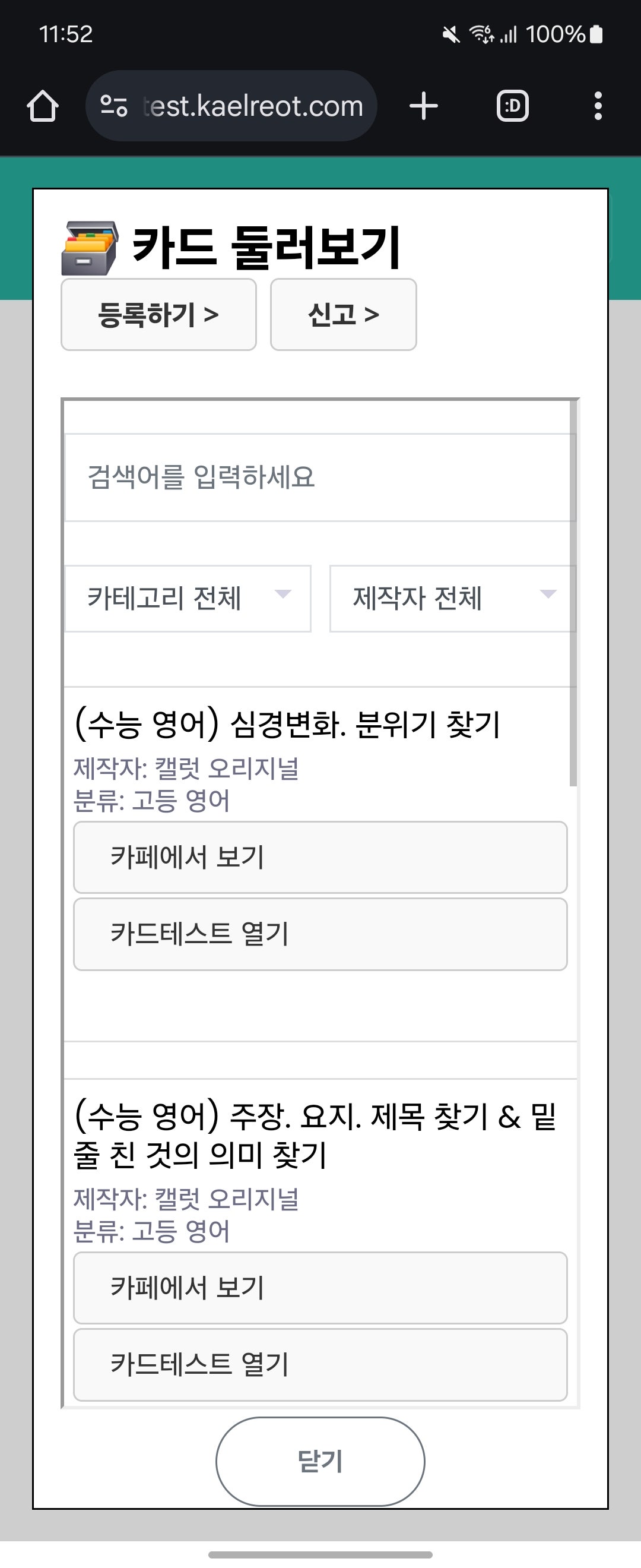
* The card browsing feature(only korean version) has been revamped. You can now search from the list and open card tests directly (files from external communities).
* You cannot register directly. You must request the administrator to add your files manually.
2.1 New Features
Dec 25, 2024
* Fixed an issue where blank spaces were not recognized when grading objective questions.
* The default 'Question Shuffle' setting is now [ENABLE].
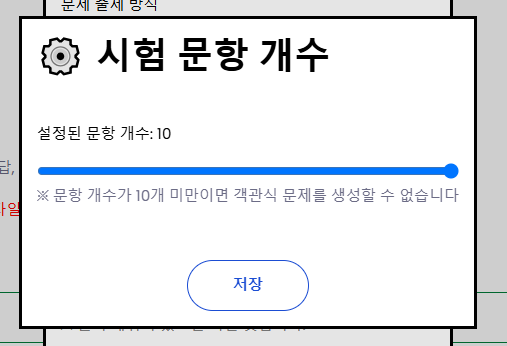
* Added setting to adjust the number of questions created.
* Added a feature to display a notification message when there are more than 30 items.
2.0 New Features
Dec 24, 2024
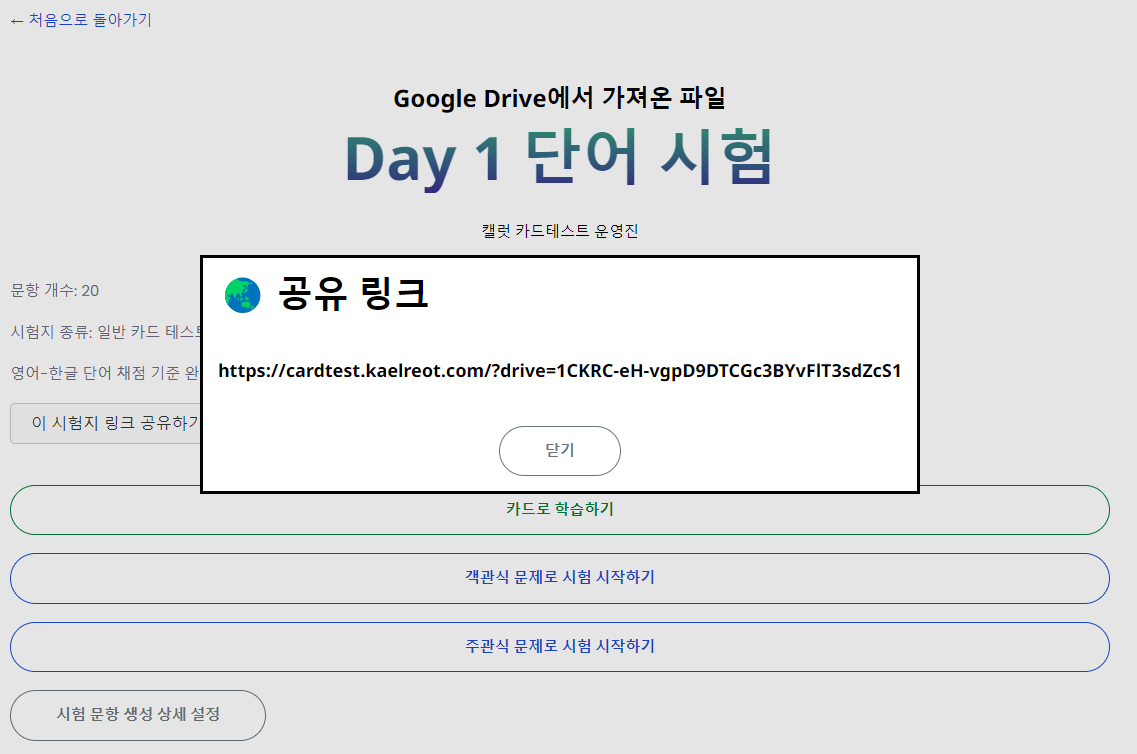
* If the file is from Google Drive™, you can now share a link that opens the test paper directly, as in the photo.
* The default xlsx file format has been updated with a more stylish and intuitive design.
1.4 New Features
Dec 24, 2024
* Added feature to import files using Google Drive™ shared links
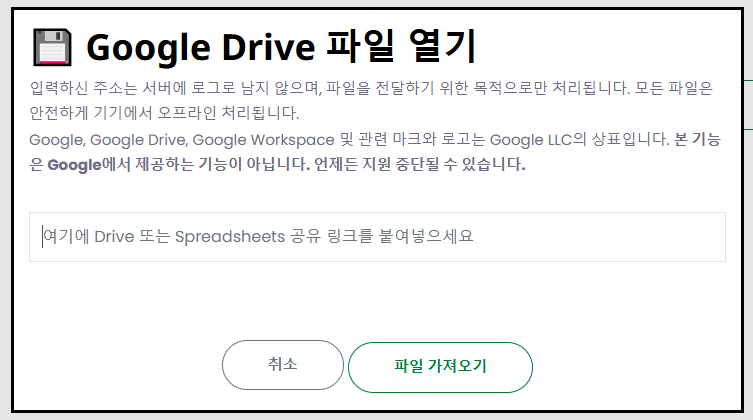
The address you enter will not be logged on our servers and will only be processed for the purpose of delivering files. All files will be safely processed on your device.
Google, Google Drive, Google Workspace and related marks and logos are trademarks of Google LLC.
Please be sure to comply with the Site Terms and the Google Drive Terms.
1.3 New Features
Dec 23, 2024
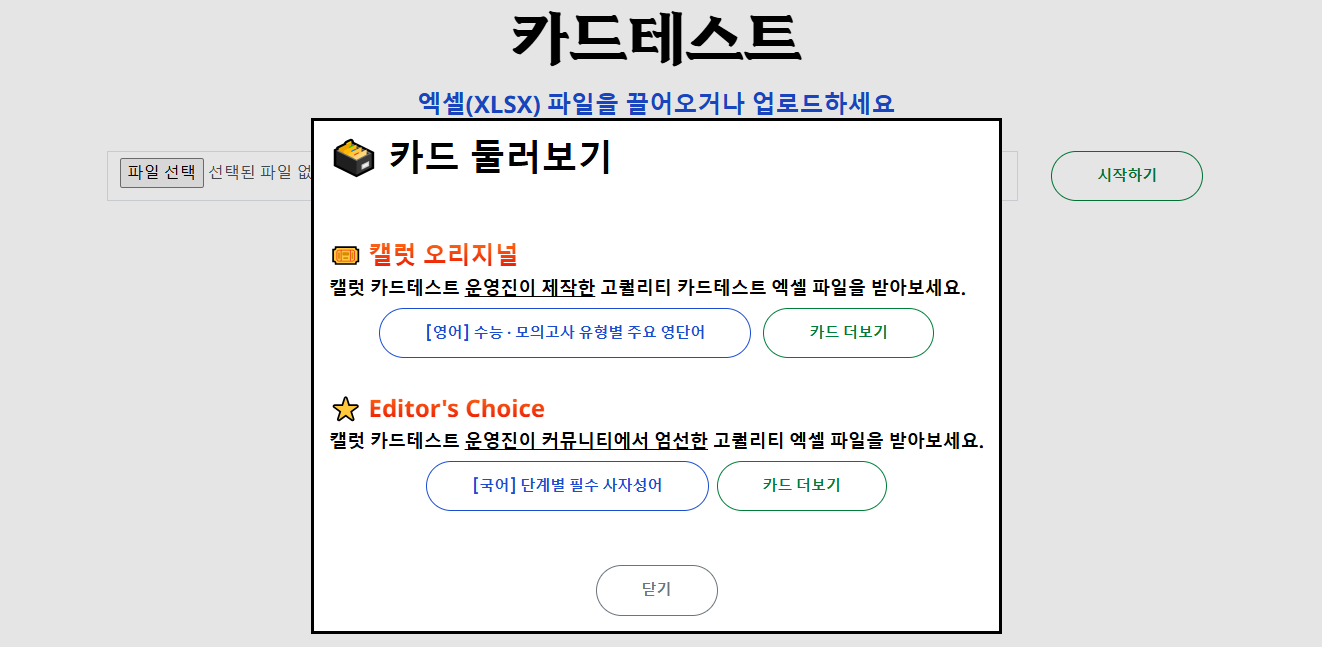
1. The "card browse" (only in korea) feature has been renewed.
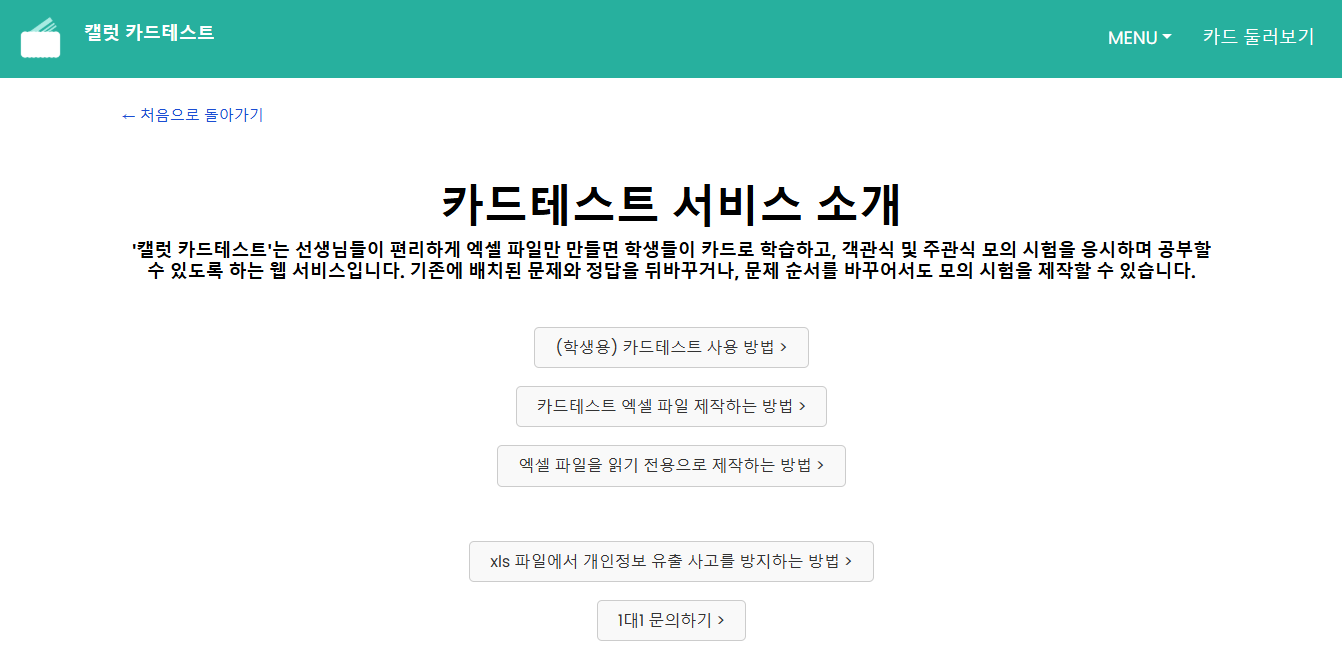
2. The guide page has been opened.

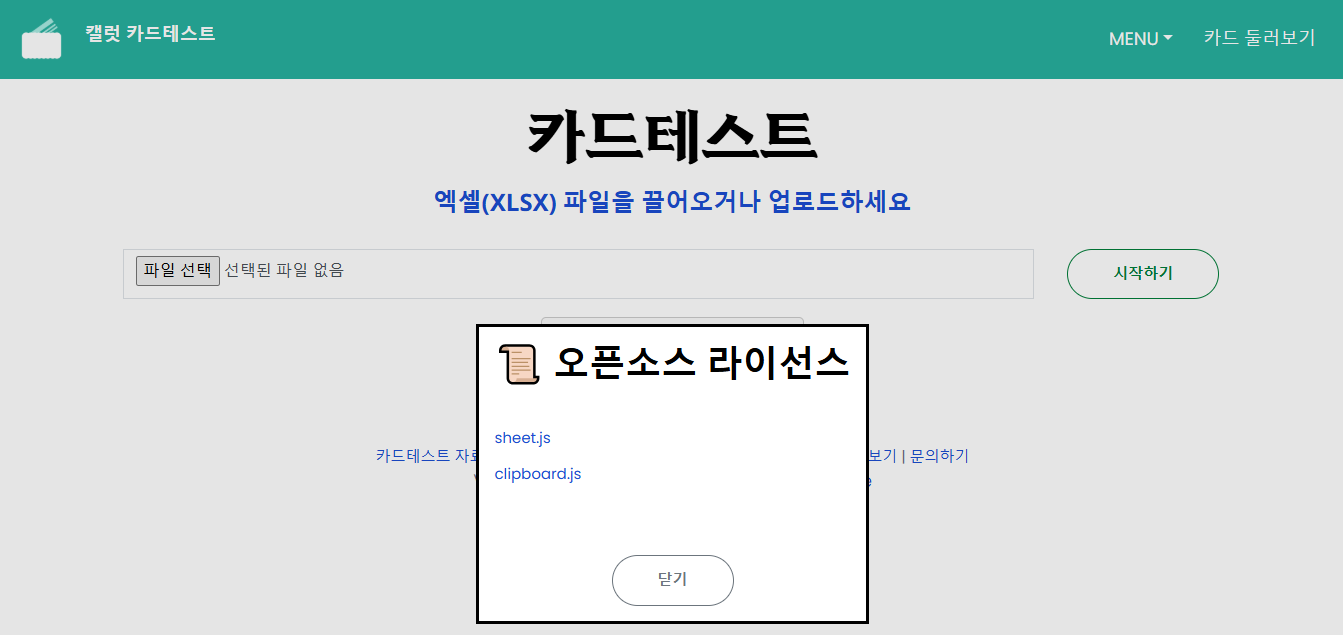
3. Added open source license dialog
1.2 New Features
Dec 21, 2024
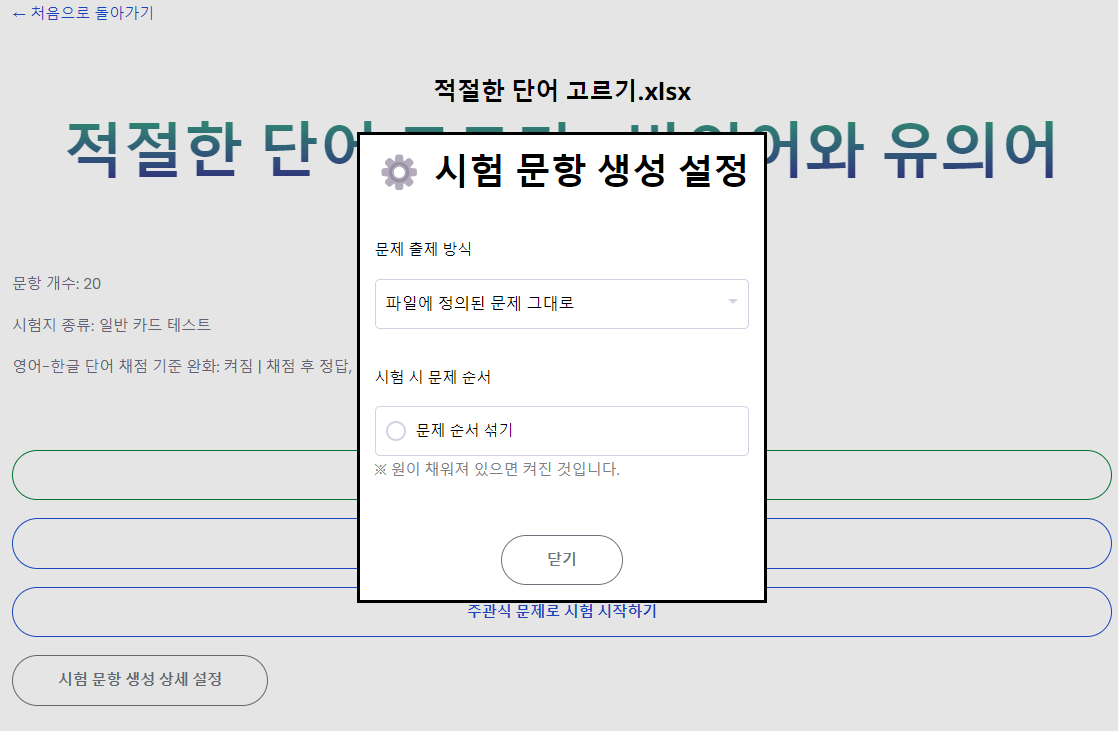
* Added feature to shuffle question order.
* Improved setting UI
* A pop-up has appeared where you can download the 'Kaelreot Original Card' (developer-created card).
* The 'Relax English-Korean word grading criteria' feature has been improved.
1.1 New Features
Dec 21, 2024
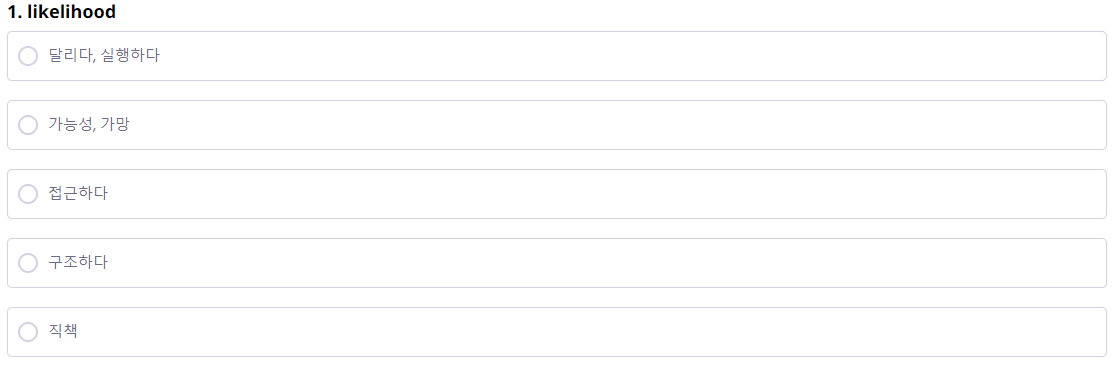
* The multiple choice question design has been improved.
* Fixed an issue where line breaks were not recognized when grading 'Strict Subjective' type questions in custom tests.
1.0 New Features
Dec 20, 2024
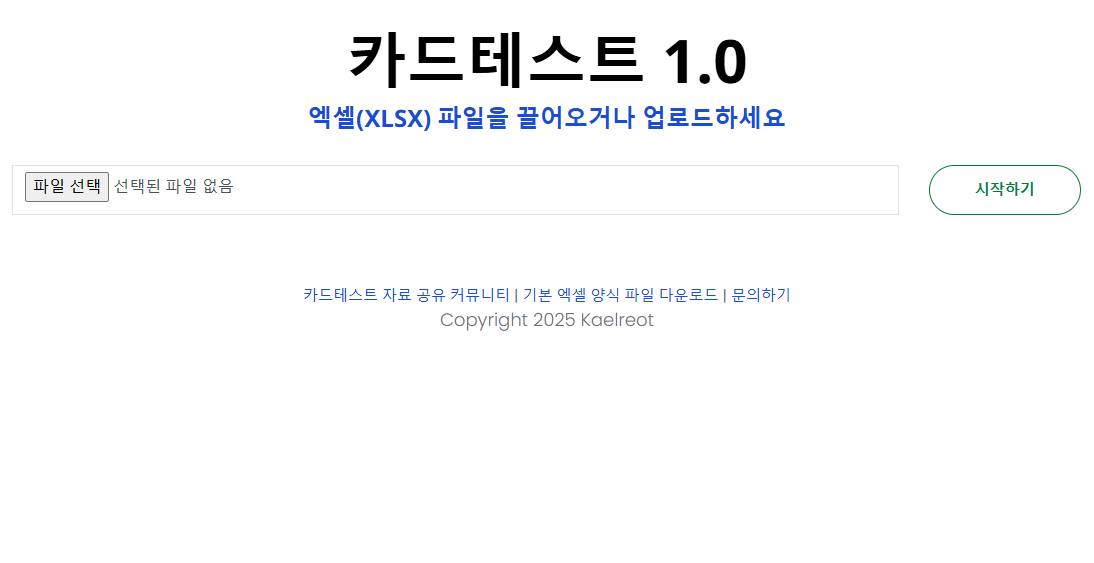
· Fixed an error that occurred when loading some characters.
· 'Custom Test' test option added.
B241219 New Features
Dec 19, 2024
· 'Kaelreot Cardtest' allows you to study and take the test with just an Excel file.
· Specialized in memorizing English words, specialized words, and idioms.
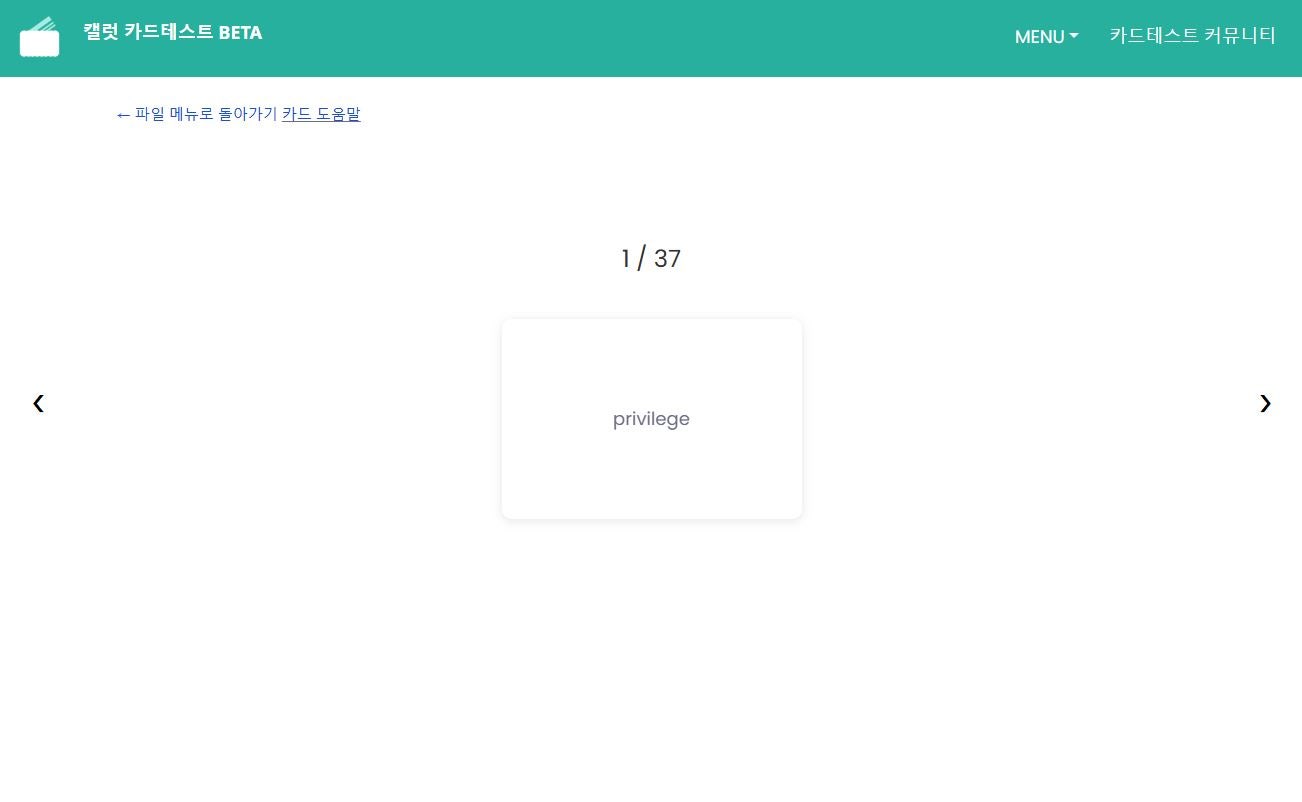
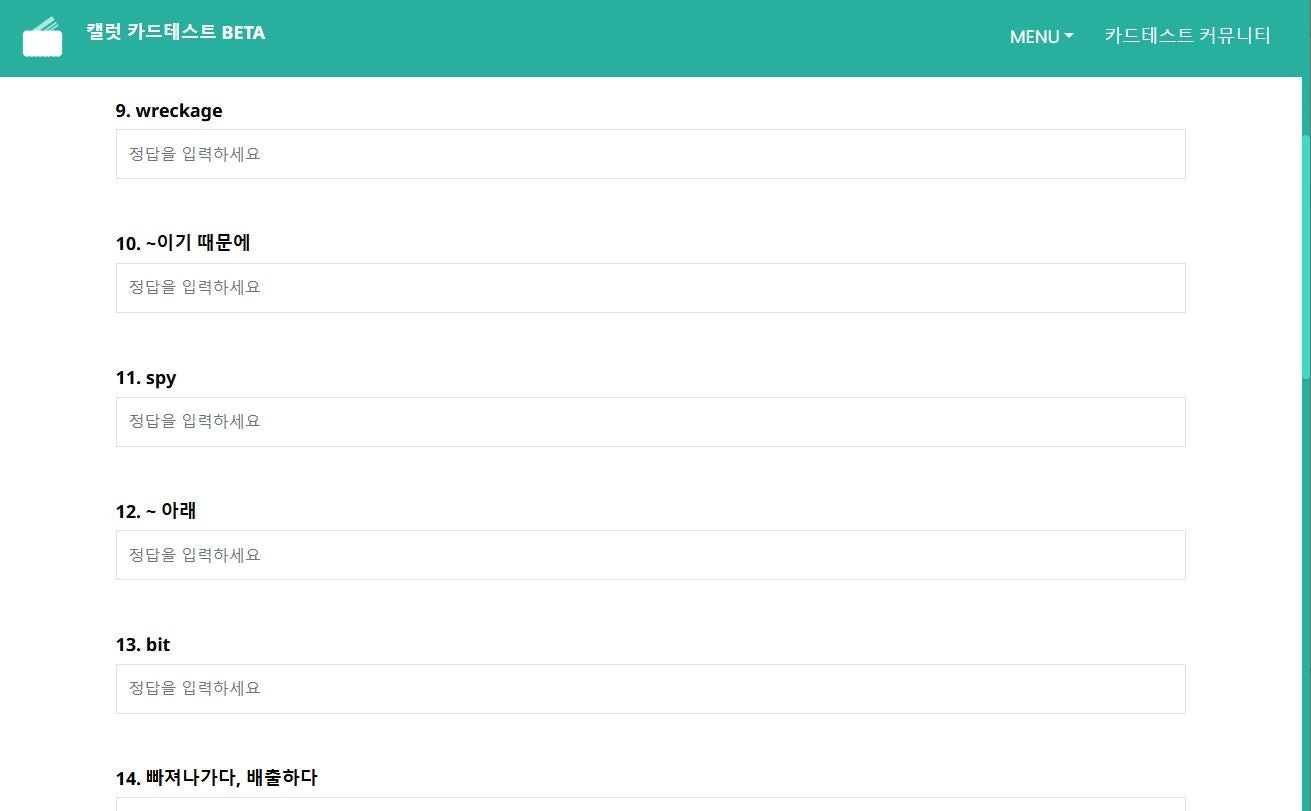
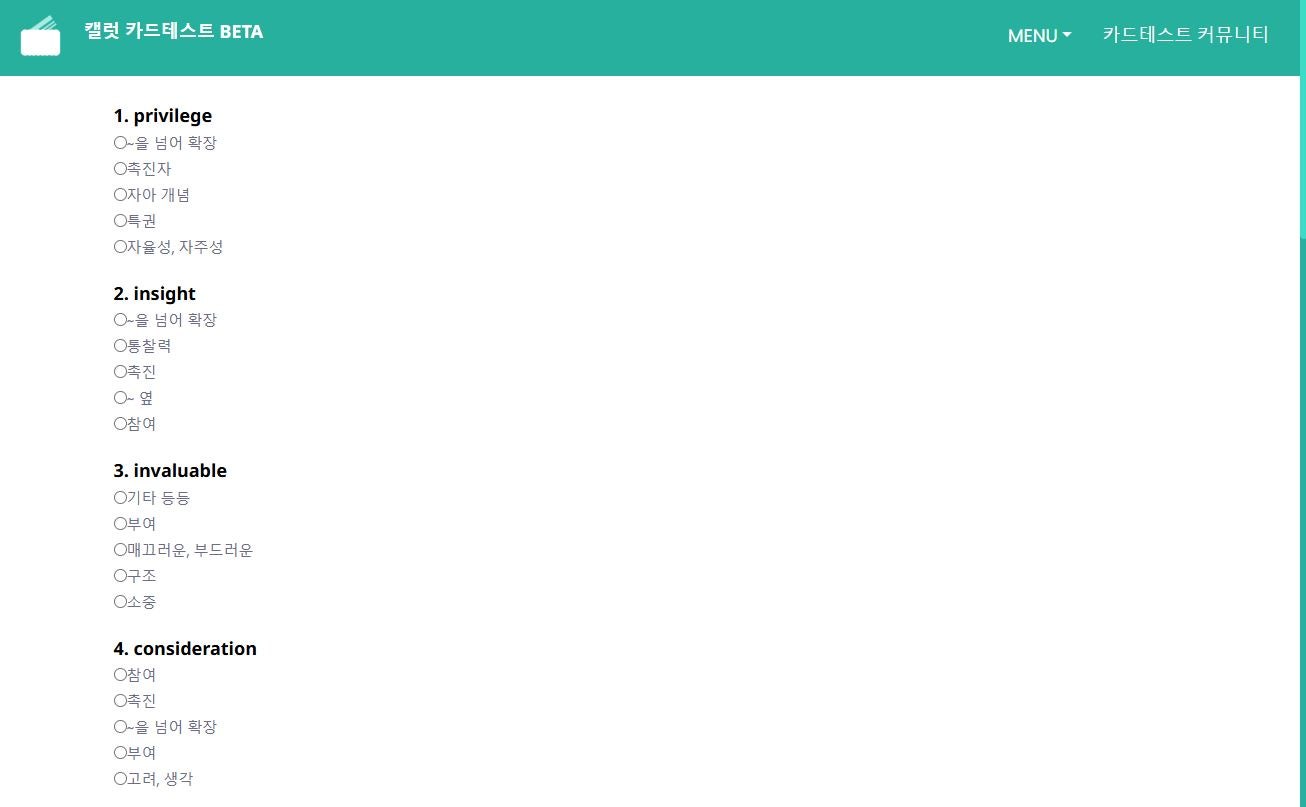
· Users can open files on the site and study by flipping through the cards, or take tests with objective or subjective questions.
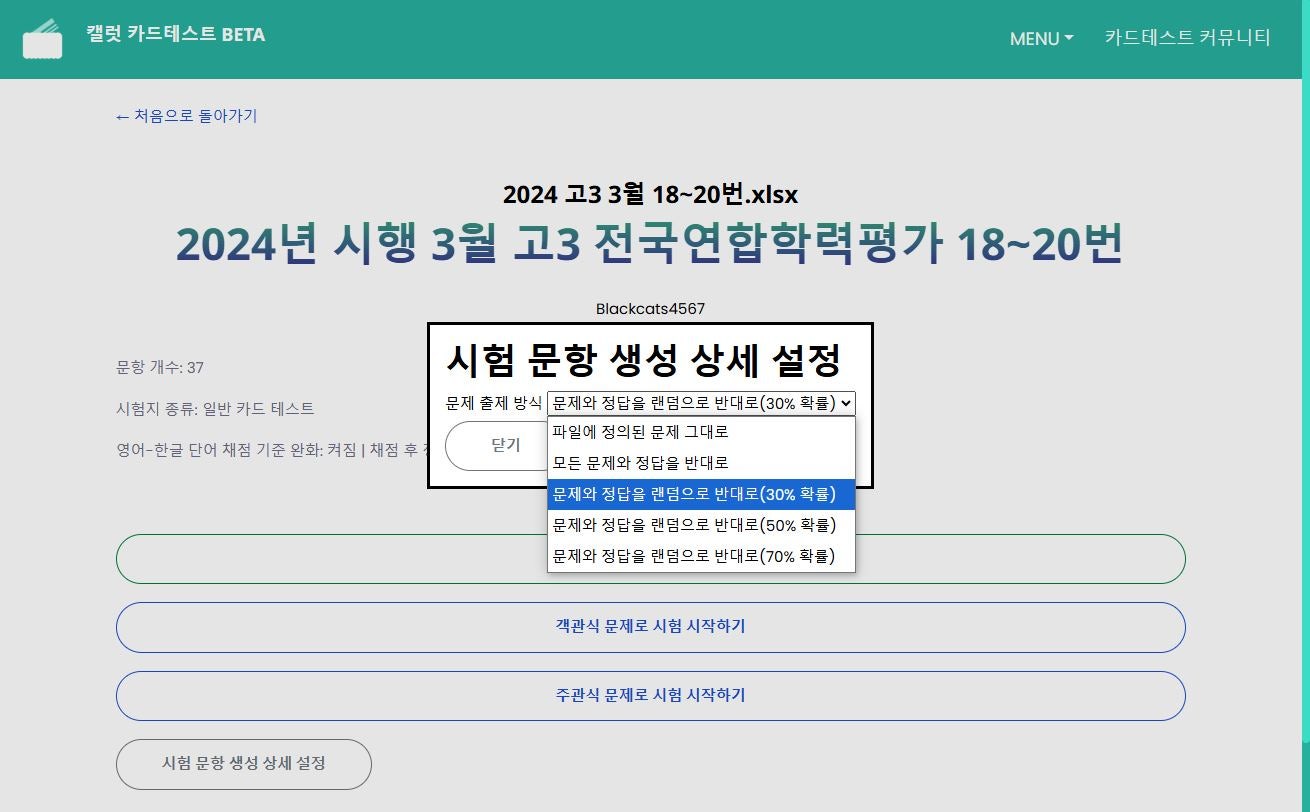
· There is a function to change the question and answer by setting the probability.
B240711 New Features
July 11, 2024
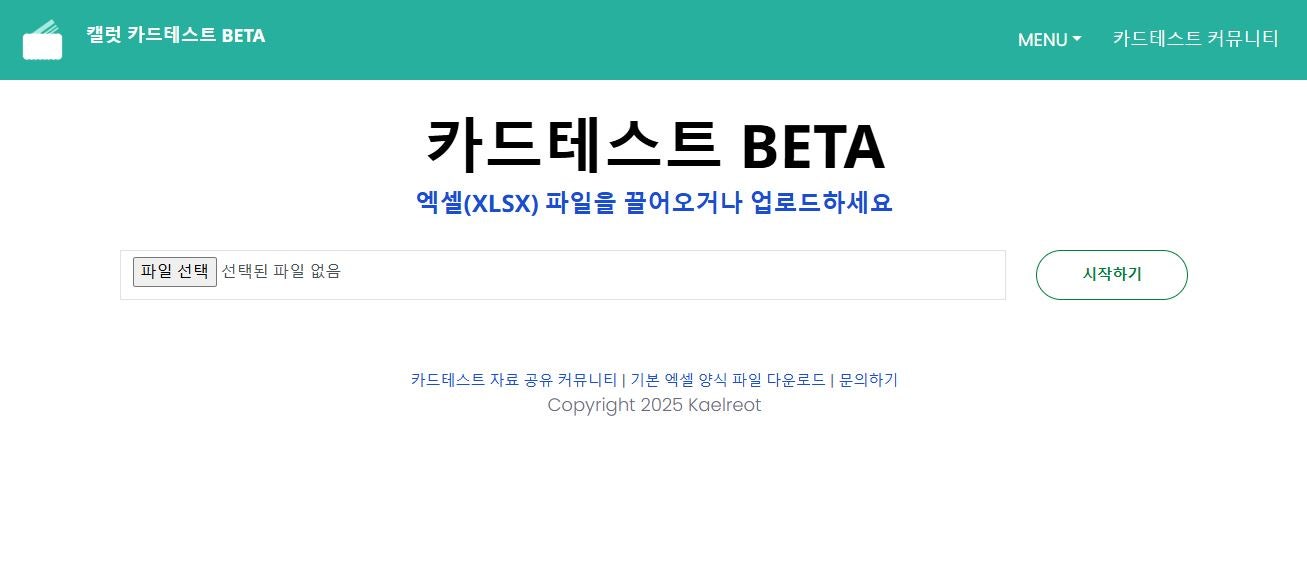
SheetQuiz was originally based on the "Kaelreot Textbook Auto-Grader".
Try it out